

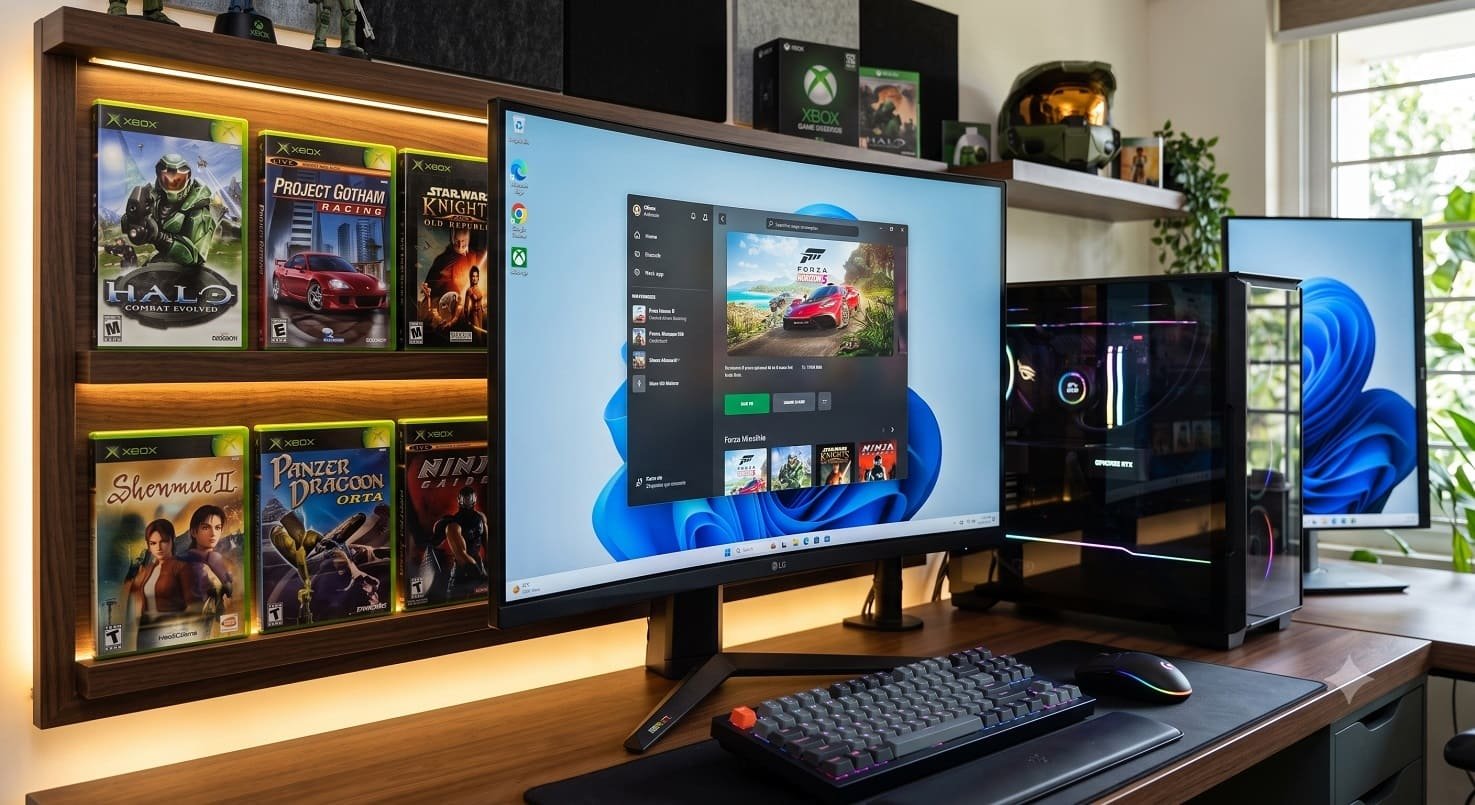
Microsoft has expanded its legacy gaming strategy by rolling out an early release of Xbox Backward Compatibility on PC. The new initiative allows Windows PC users and compatible handheld gaming device owners to run select original Xbox titles natively through the PC Xbox app. First introduced for Xbox One hardware back in 2015, the backward compatibility ecosystem now unifies game libraries across home consoles, desktop PCs, portable handhelds, and cloud streaming.
Initial Game Lineup and Ecosystem Integration
The initial early-access phase includes four classic titles from the original Xbox generation. Players can purchase these games individually through the Microsoft Store on PC or stream and install them directly via Xbox Game Pass:
- BLiNX: The Time Sweeper
- Conker: Live and Reloaded
- Crimson Skies: High Road to Revenge
- Fuzion Frenzy
A key advantage of Microsoft’s implementation is digital cross-ownership. Gamers who already own a digital license for any of these four games on an Xbox console automatically unlock access on Windows PCs and handheld devices at no additional cost. Microsoft confirmed that while Xbox Achievements are not enabled at launch, official achievement support for select backward-compatible original Xbox titles will arrive later this year.
Supported Handhelds and Device Compatibility
The update extends support directly to Windows 11-based portable gaming handhelds. Microsoft explicitly highlighted compatibility with handheld devices, including the Asus ROG Xbox Ally and ROG Xbox Ally X.
Because these games rely on modern emulation layers built into the Xbox app for Windows, players can access cloud saves, keeping game progress synchronized between an Xbox console in the living room and a handheld device on the go.
| Hardware Tier | Minimum PC Requirements | Recommended PC Requirements | Handheld Processor Examples |
| Operating System | Windows 11 | Windows 11 | Windows 11 Home / Pro |
| Processor (CPU) | 4 Cores / 8 Threads (Intel Core i3-10300, AMD Ryzen 3 3100) | 6 Cores / 12 Threads (Intel Core i5-10400, AMD Ryzen 5 3600) | AMD Ryzen Z2 A / AMD Ryzen AI Z2 Extreme |
| System Memory (RAM) | 8 GB | 16 GB | 16 GB Shared |
| Graphics Card (GPU) | Nvidia GTX 950 / AMD RX 550 / Intel Arc A310 | Nvidia GTX 1070 Ti / AMD RX 6800S / Intel Arc A770 | Integrated Radeon Graphics |
| Video Memory (VRAM) | 4 GB | 8 GB | Allocated System VRAM |
| Driver Standard | Updated drivers (January 2026 or newer) | Updated drivers (January 2026 or newer) | Official OEM Graphics Package |
System Requirements: Minimum and Recommended PC Specs
Running original Xbox emulation on modern PC architecture requires moderate hardware power to handle shader compilation and state translation efficiently. Microsoft outlines the necessary hardware benchmarks below.
Minimum PC Requirements
To run these classic titles at basic resolutions, Microsoft specifies a 64-bit Windows 11 operating system paired with a 4-core, 8-thread processor, such as the Intel Core i3-10300 or AMD Ryzen 3 3100. For handhelds, the AMD Ryzen Z2 A chip serves as the baseline benchmark.
Graphics hardware requires at least 4GB of dedicated VRAM, with supported entry-level GPUs including the Nvidia GeForce GTX 950, AMD Radeon RX 550, or Intel Arc A310. Systems must also run graphics drivers updated to versions released in January 2026 or later.
Recommended PC Requirements
For optimal performance, higher rendering scale, and smoother frame rates, Microsoft recommends a 6-core, 12-thread CPU, citing the Intel Core i5-10400 or AMD Ryzen 5 3600 for desktop builds, and the AMD Ryzen AI Z2 Extreme for high-end gaming handhelds.
The recommended GPU specification demands 8GB of VRAM along with an Nvidia GeForce GTX 1070 Ti, AMD Radeon RX 6800S, or Intel Arc A770. System memory should ideally be configured at 16GB of RAM.
Expert Analysis: Unifying the Xbox and PC Gaming Libraries
Industry Context: Bringing original Xbox games to Windows is a major step toward long-term game preservation. By removing hardware barriers and incorporating these titles into Xbox Game Pass, Microsoft is turning legacy console software into a permanent cross-platform asset.
Unlike traditional software remasters that require separate purchases, extending digital entitlement between Xbox consoles and PC builds stronger loyalty for the Xbox application ecosystem. As Microsoft adds more legacy titles to this program, it further blurs the line between PC gaming and console gaming environments.
What This Means For PC Gamers
For PC players and handheld enthusiasts, the rollout offers practical benefits for daily gaming:
- Instant Access via Game Pass: Active subscribers can download and play these classic titles immediately without paying extra fees.
- Zero Extra Cost for Existing Owners: Players who bought these original Xbox games digitally on previous console generations get automatic access on PC.
- Seamless Handheld Gaming: Built-in controller mapping and cloud sync make it easy to play classic games on portable devices like the ROG Xbox Ally.
Microsoft’s launch of Xbox Backward Compatibility on PC is a major milestone for game preservation and ecosystem unification. By allowing classic original Xbox titles to run on Windows 11 PCs and portable handhelds alongside modern releases, Microsoft is ensuring its rich gaming history remains accessible to new generations of players across any device they choose.
