

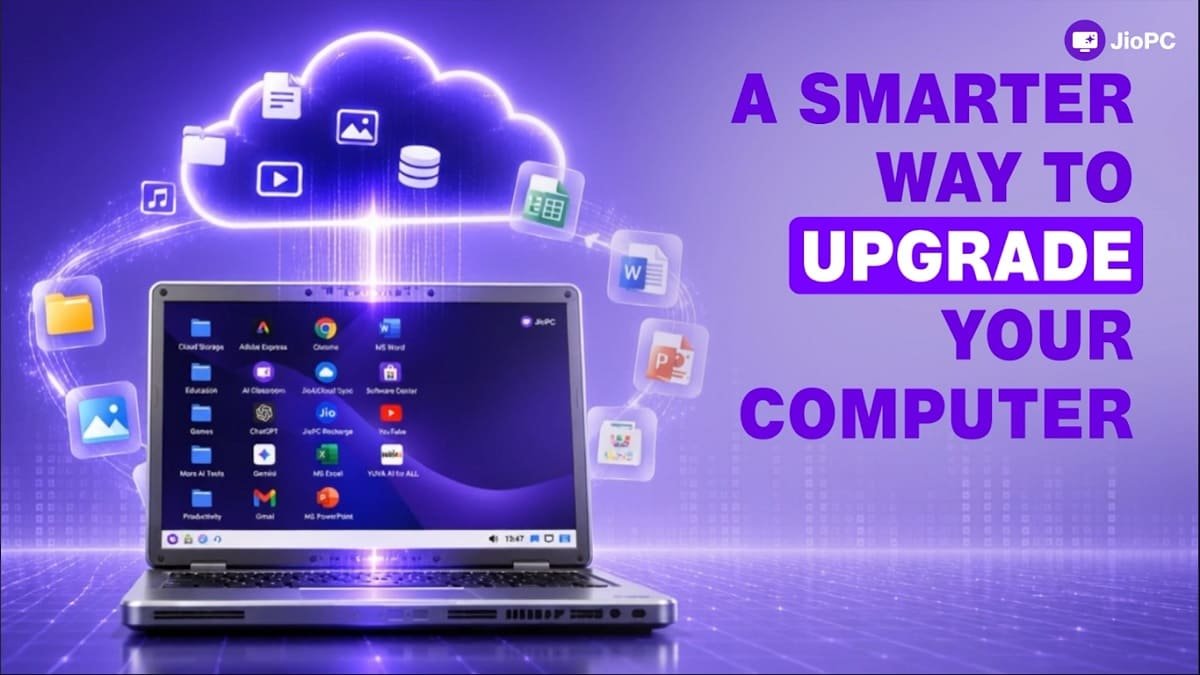
Jio expands JioPC beyond JioHome, allowing users to access a cloud-powered virtual PC on existing computers using any internet connection.
Reliance Jio has expanded JioPC beyond JioHome, allowing users across India to turn an existing laptop or desktop into a cloud-powered PC without purchasing new hardware.
The service was previously associated with JioHome broadband and could be accessed through a Jio Set-Top Box. With the latest expansion, JioPC is available as a standalone subscription and works with any internet connection, regardless of the telecom or broadband provider.
The move gives users another option if an older computer has become slow, lacks storage or struggles with newer applications. Instead of upgrading the physical hardware, Jio shifts the computing environment to its cloud infrastructure.
What Is JioPC?
JioPC is essentially a virtual desktop delivered over the internet. The physical laptop or desktop acts as the device through which users access their cloud-based computer.
Jio says the service can provide up to 16GB of RAM and 1TB of cloud storage, depending on the subscription. The company is targeting users who want to extend the useful life of existing computers rather than immediately replace them.
Jio also positions the service as an option for work, education, browsing, content creation and access to AI-powered applications.
JioPC Plans and Prices in India
JioPC is currently offered in two configurations.
| Plan | CPU | RAM | Cloud Storage | 2 Months | 5 Months | 10+2 Months |
|---|---|---|---|---|---|---|
| JioPC | 4 vCPU | 8GB | 500GB | Rs 1,000 | Rs 2,000 | Rs 4,000 |
| JioPC Ultra | 8 vCPU | 16GB | 1TB | Rs 1,200 | Rs 2,500 | Rs 5,000 |
The standard JioPC plan provides 8GB RAM and 500GB storage, while JioPC Ultra doubles those figures to 16GB RAM and 1TB storage.
Jio is therefore selling access to a cloud computing environment rather than a physical computer. The subscription model removes the need for users to make a large upfront investment in new hardware.
JioPC Works With Any Internet Connection
One of the biggest changes is the removal of the JioHome requirement for browser-based access.
Jio’s current website states that JioPC works with any internet connection. Users do not need JioFiber or JioAirFiber to access the virtual desktop through a laptop or desktop browser.
This means a user with an older Windows PC, for example, can access JioPC using an internet connection from another broadband provider or even a reliable 4G or 5G connection.
However, because the computing environment is hosted in the cloud, a stable internet connection remains essential. JioPC does not physically upgrade the processor, RAM or storage inside the user’s computer.
What Happens to an Old Laptop?
The concept behind JioPC is relatively straightforward.
Instead of relying entirely on the hardware inside an old computer, the device connects to Jio’s cloud infrastructure and displays a virtual desktop. Processing, storage and the operating environment are provided remotely.
Jio says users can upgrade an existing computer to JioPC in less than five minutes and do not need to purchase new hardware. The company is particularly targeting computers that are around three or four years old, while suggesting that even machines as old as eight years can benefit from the cloud-based approach.
This could be useful for households, students and small businesses that have older computers but do not want to replace them simply because their hardware can no longer handle newer applications effectively.
JioPC Can Also Turn a TV Into a Computer
JioPC’s original use case has not disappeared.
Users with a compatible Jio Set-Top Box can continue using JioPC on a TV by connecting a keyboard and mouse. This effectively turns the television into a large-screen computer without requiring a traditional desktop PC.
The difference now is that users are no longer restricted to this JioHome-based setup. JioPC can also be accessed through a browser on an existing laptop or desktop.
Jio says the same virtual desktop, files, settings and installed applications can be accessed through supported browser and Set-Top Box experiences, although some hardware features such as USB drive access can differ between the two methods.
JioPC Runs on Ubuntu and Cloud-Based Software
JioPC is not a replacement for every type of traditional Windows PC.
The cloud desktop uses an Ubuntu/Linux environment and comes with applications such as LibreOffice and web browsers. Jio also highlights tools such as Adobe Express and access to online applications including Microsoft 365.
This makes JioPC more suitable for web browsing, documents, education, online classes, productivity and cloud-based applications than for users who depend on Windows-exclusive software.
The distinction is important because JioPC provides a virtual computing environment rather than converting an old Windows laptop into a more powerful Windows machine.
JioPC and AI Applications
Jio is also positioning JioPC as an AI-ready computing option.
Because the processing environment is hosted remotely, users with older computers can access computing resources that would normally require more capable local hardware. Jio says the service can help older machines access modern AI-powered applications without requiring a hardware upgrade.
That does not mean every AI application will run identically to a locally installed application on a high-end PC. Internet quality, application compatibility and the resources allocated to the virtual machine will still affect the experience.
Is JioPC Worth It for an Old Computer?
JioPC makes the most sense for users whose existing computer is still physically usable but has become limited by its processing capabilities, storage or software requirements.
For basic productivity and learning, spending Rs 1,000 for two months could be considerably cheaper than immediately replacing a laptop. The longer subscription options also reduce the effective cost of the service compared with repeatedly purchasing short-term access.
However, users should remember that JioPC is a subscription-based cloud service. The computer remains dependent on an internet connection, and users do not receive additional physical RAM, storage or processing power inside their laptop.
For people who need Windows-specific applications, offline computing or high-end local graphics performance, buying or upgrading a conventional PC may still be the better option.
JioPC’s Bigger Significance
The expansion of JioPC marks an interesting shift in how Jio is positioning computing services.
The company’s original JioPC concept was closely connected to JioHome and the Set-Top Box, effectively allowing subscribers to turn a TV into a computer. The latest model broadens the proposition into a more conventional cloud-PC service that can be accessed from existing computers and any internet connection.
That could make cloud computing more accessible to consumers who cannot justify spending tens of thousands of rupees on a new laptop.
For Jio, it also creates a subscription-based computing product that sits beyond its traditional connectivity business. If the service gains adoption, the same cloud-PC account could potentially become a way for users to access their computing environment across different screens and devices.
JioPC is therefore less about making an old laptop’s physical hardware more powerful and more about changing where the computing actually happens — from the user’s device to the cloud.
