

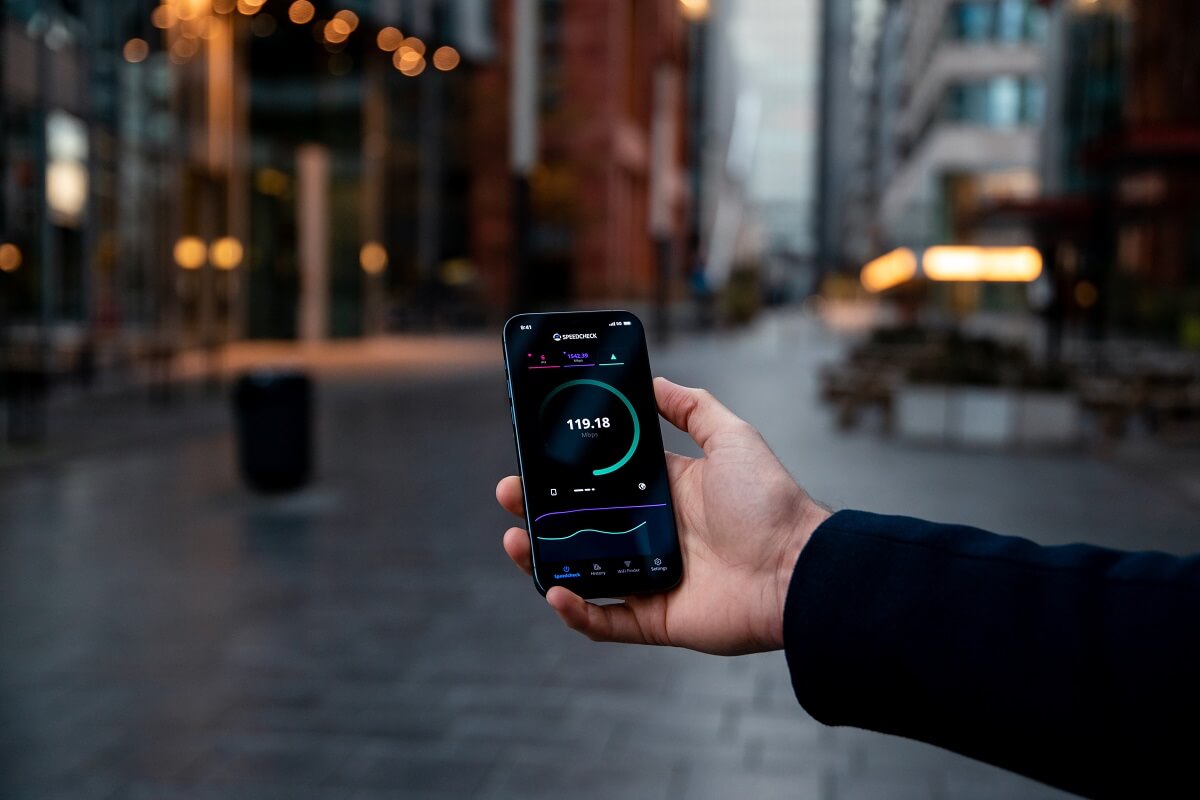
The best thing about WiFi speed tests is that you don’t need any special tool or software for it; just your web browser would do
In the current digitised age, having a fast internet connection with WiFi speed is no longer a luxury but a necessity. We are spending most of our time indoors and are more aware of the WiFi speed now. Whether we are trying to work, watch Netflix, or video call our friends, even a slight drop in the speed doesn’t go unnoticed. If you’re wondering how you can check how fast your WiFi is working and whether it is delivering at the promised speed or not, we are here to help. This is how you can do a WiFi speed test for any connection.
What do you need?
The best thing about WiFi speed tests is that you don’t need any special tool or software for it; just your web browser would do. There are several websites where you can do the speed test online such as Speedtest by Ookla, Fast by Netflix, Netspeed, etc.
How to test the speed?
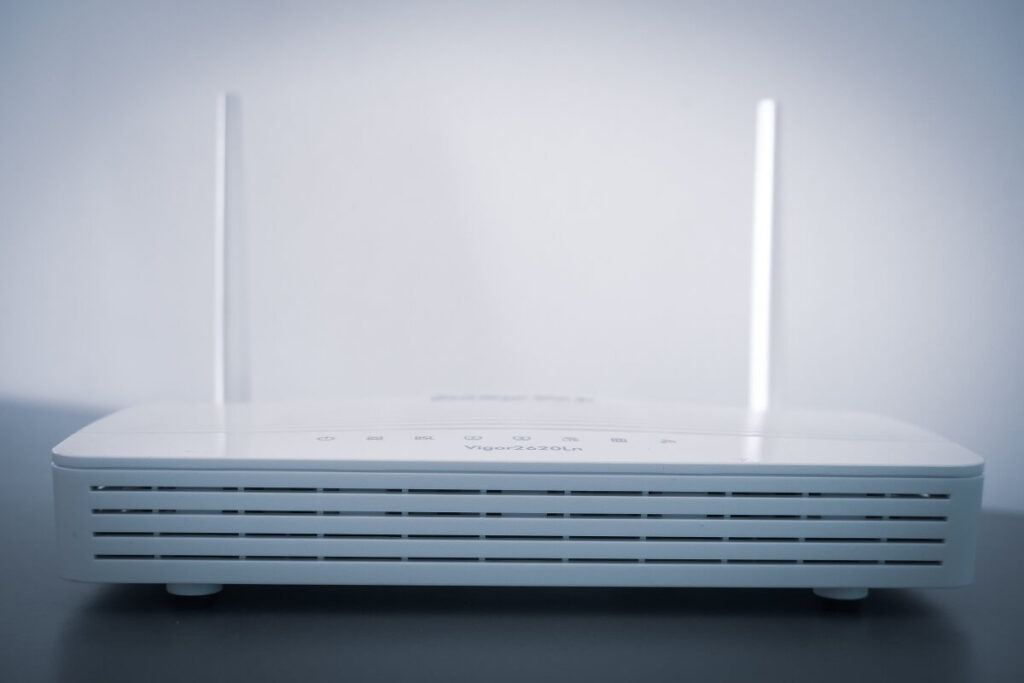
Now, if you’ve landed on any of these WiFi speed tests online, there are two things you can do – get an estimate of what internet speeds your current device is getting or how much speed or bandwidth is coming from your router. The difference is simple; since most likely your computer or mobile phone is not the only device connected to the WiFi, the bandwidth gets split between all the connected devices. Thus, what you get on your phone is not all that your broadband connection can offer.
Quick speed test
So, if you just want to check how much speed your computer is getting, you can go ahead and begin the test. For the Ookla speed test, you need to hit “Go”, for Netspeed, “Begin Test” and Fast starts on its own when you open the link. The online speed test can take anywhere between a few seconds to a couple of minutes, depending on your internet speed. Once it’s done, you will get results in terms of Download Speed, Upload Speed, Ping, etc.
Comprehensive speed test
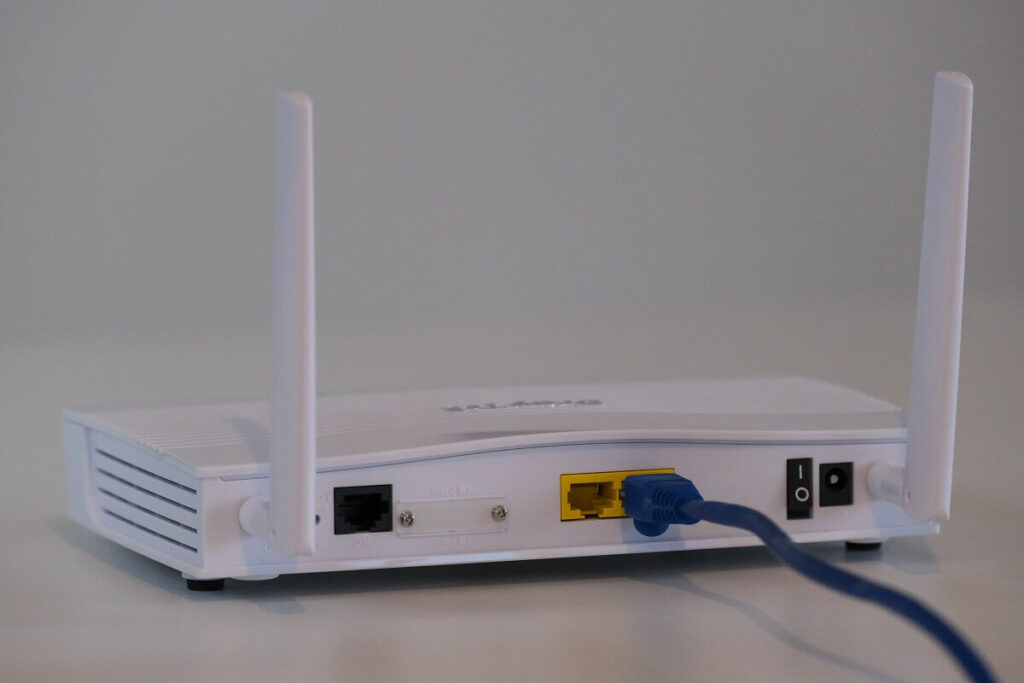
But if you want to get an actual reading of how fast your broadband really is, you need to minimise interference first. The best way to do so is to use a wired connection, which means connecting the LAN cable directly to the computer rather than using WiFi. This is suggested because you lose some bandwidth over WiFi as most routers aren’t able to deliver the full speed. So, if possible, try connecting the cable directly to the computer you want to test the speed on.
The next step would be to make sure there aren’t any downloads running in the background, which again can impact the results you get. After you’ve done that, you can follow the same process. This will give you the most accurate online speed test results for your broadband.

If connecting a LAN cable is not possible, the next best thing is to disconnect as many devices as possible and then run the speed test over WiFi. To reduce interference, you can also remove electronics from around the router because they tend to affect the WiFi speed.
If you notice that the result is not the same as the promised speed, don’t worry. It’s normal for it to be a little low, but if it’s significantly low, and stays that way often, then maybe it’s time to switch your internet provider.
Follow TelecomByte for the latest Tech News, also keep up with us on Twitter, and Facebook.
