

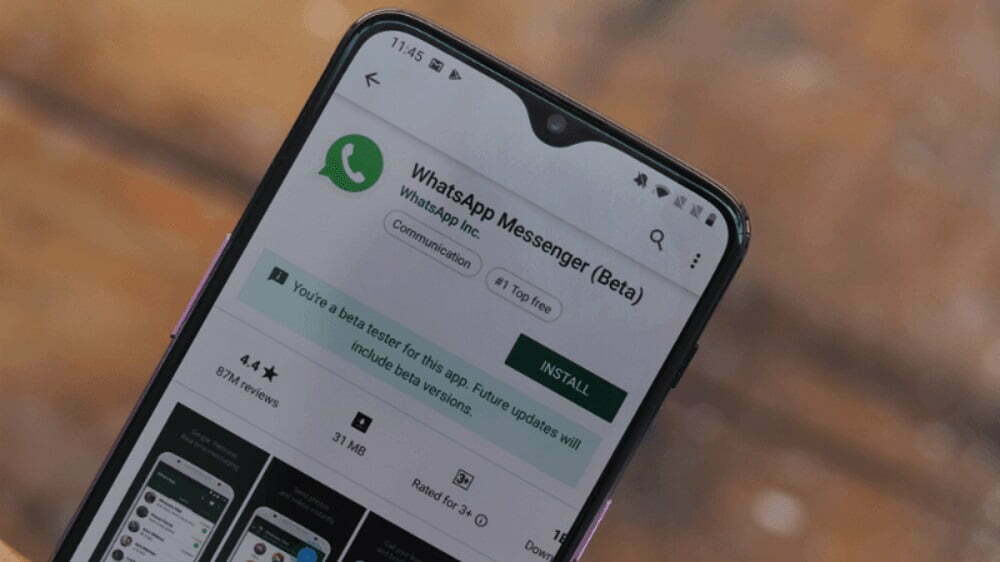
WhatsApp has rolled out the latest beta version for iOS users, in which users will be able to add new contacts with the help of QR code. WhatsApp beta version 2.20.171 for Android and version 2.20.60.27 for iPhone models have brought QR code support for testing purposes.
Instant messaging app WhatsApp has started rolling out a very special and new feature for the convenience of its users. This feature has been named QR Code and with its help it will be very easy to save contacts. This feature is very similar to the NameTag feature of the photo sharing app Instagram. Currently this feature has been introduced for the iOS platform but it is expected that the company will soon make it available on the Android version as well.

However, the company has not made any official announcement regarding the launch of the QR code name feature. But WABetaInfo reports that WhatsApp has started rolling out the beta version of this feature for its iOS users and the stable version will also be released soon. It has also been reported that this feature will be introduced soon for Android users as well.
This is how the QR Code feature will work
Some screenshots related to the QR Code feature have been shared in the WABetaInfo report. In this, you can see how this feature looks. This feature will be seen alongside the profile name of the WhatsApp user. To use it, users have to tap on this icon, the QR code will open as soon as it is tapped. The contact will also be saved as soon as the QR code is scanned. If you have accidentally shared the QR code on the wrong number, you can also return it. For this just reset your QR code by going to reset.
By the way, the QR code feature is still available in WhatsApp but it is used to connect WhatsApp from phone to desktop or laptop. Using which you can use WhatsApp simultaneously on mobile and laptop at a time.

How to get the new feature?
Users can experience the QR code integration after downloading the latest WhatsApp beta (version 2.20.171) for Android directly from the Google Play Beta programme or by getting its APK file from APK Mirror.
If you don’t have an Android phone, the new WhatsApp beta for iPhone also offers you QR code support that can be accessed from the Profile section in the Settings menu of the app, as noticed by WABetaInfo. The iPhone version also has the option to scan a QR code or reset an existing code. All this is identical to the new experience for beta testers on Android. A My QR Code option is available in the contextual menu of the WhatsApp beta that can be accessed using the touch and hold gesture on the app icon. This functionality is, however, limited to iPhone models starting from iPhone 6S.

User can experience the new change by downloading the WhatsApp beta version 2.20.60.27 for iPhone from TestFlight. It is important to note that beta versions are designed only for testing purposes, and they often contain bugs. You should, therefore, install the beta update only on your secondary device and just to see the changes.
