

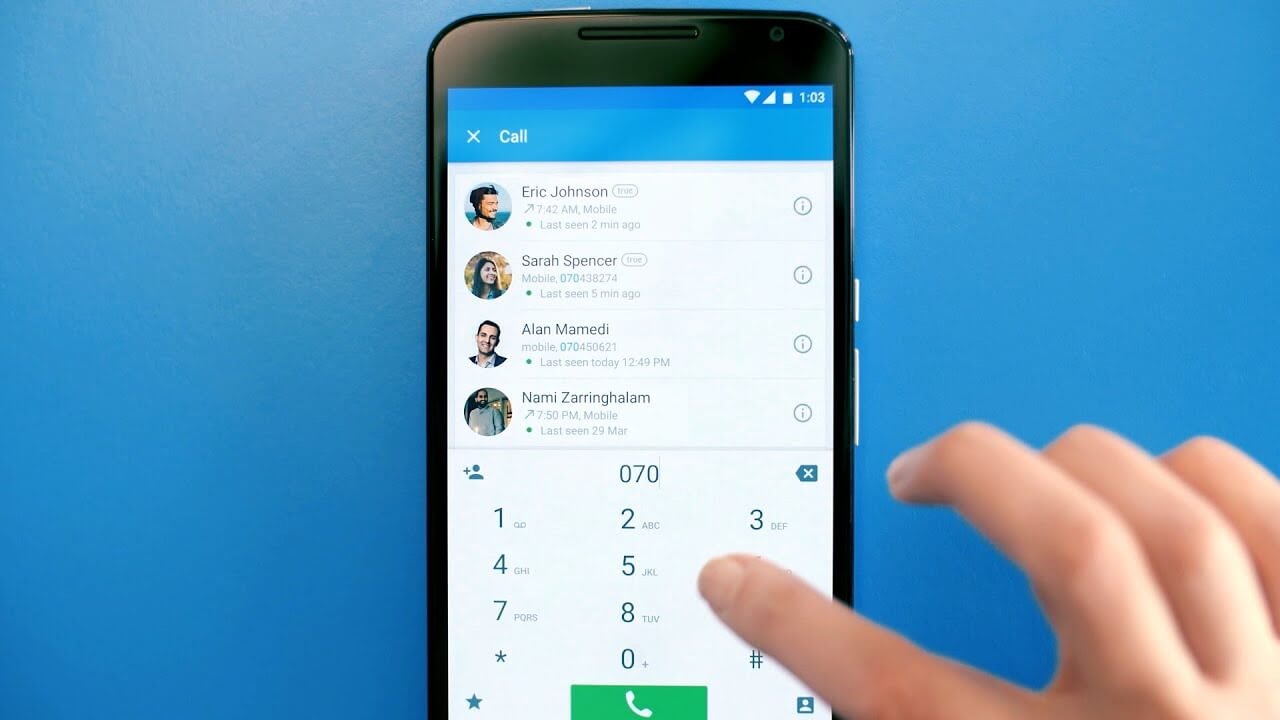
Truecaller has partnered with LinkedIn to let users display verified professional information such as their workplace and job title on Caller ID. The integration is optional and allows LinkedIn verification signals to appear alongside a user’s Truecaller profile.
LinkedIn Details Can Appear on Truecaller Caller ID
Under the new integration, new and existing Truecaller users can connect their LinkedIn profiles and choose to show professional information on their Caller ID. This can include the user’s workplace, organisation and job title, along with their name and profile picture.
When a connected user calls someone, the recipient can see the shared professional details alongside the caller’s existing Truecaller information. Users viewing the caller’s Truecaller profile can also tap through to LinkedIn to see more information about the person’s professional background.
The LinkedIn connection and display of professional information are optional. Users can decide whether to show their workplace and job title and can disconnect their LinkedIn profile from Truecaller.
LinkedIn Verification Adds Another Trust Signal
The partnership also brings LinkedIn’s verification signals to Truecaller. If a user’s professional information or workplace has been verified on LinkedIn, the corresponding verification can be reflected on their Truecaller profile.
LinkedIn says more than 115 million members have already verified their identity or workplace. The company is also expanding verification beyond identity by testing peer-backed verification of work and education experience and giving verified company Page administrators more tools to address inaccurate employee associations.
The LinkedIn verification system is therefore separate from Truecaller’s own user-verification mechanisms. Truecaller continues to operate its own verification and Caller ID systems, while the new integration adds LinkedIn’s professional identity signals.
Login With LinkedIn Also Available
The partnership also gives new Truecaller users a faster way to get started through Login with LinkedIn. When users choose this option, details such as their name and profile picture can be pre-filled from LinkedIn.
For existing users, Verified on LinkedIn can be used to add professional details to their Truecaller profile. The information is then displayed to people who receive calls from that number, subject to the user’s sharing choice.
Why the Integration Matters
Professional calls often come from numbers that the recipient has not previously saved. A recruiter, customer representative, supplier or business contact may therefore have little identifying information available when the call arrives.
Truecaller says the LinkedIn integration is intended to provide additional professional context at that point. Instead of showing only a name or phone number, Caller ID can potentially show the caller’s workplace, job title and LinkedIn verification status.
The partnership is part of LinkedIn’s broader effort to make its verification signals useful outside the LinkedIn platform. Truecaller and PeerSpot have joined LinkedIn’s growing group of partners that can use Verified on LinkedIn information on other platforms.
What Truecaller Users Need to Know
The feature does not automatically expose every user’s LinkedIn profile information on Truecaller. Users must connect their LinkedIn account and choose to display professional information.
The displayed information is also dependent on what has been verified or provided through LinkedIn. The integration therefore adds a professional identity layer to Caller ID rather than replacing Truecaller’s existing caller-identification system.
For users who regularly make professional calls, the feature could make it easier for recipients to understand who is calling before answering. For recipients, the LinkedIn verification indicator provides an additional signal about the professional identity associated with a caller.
