

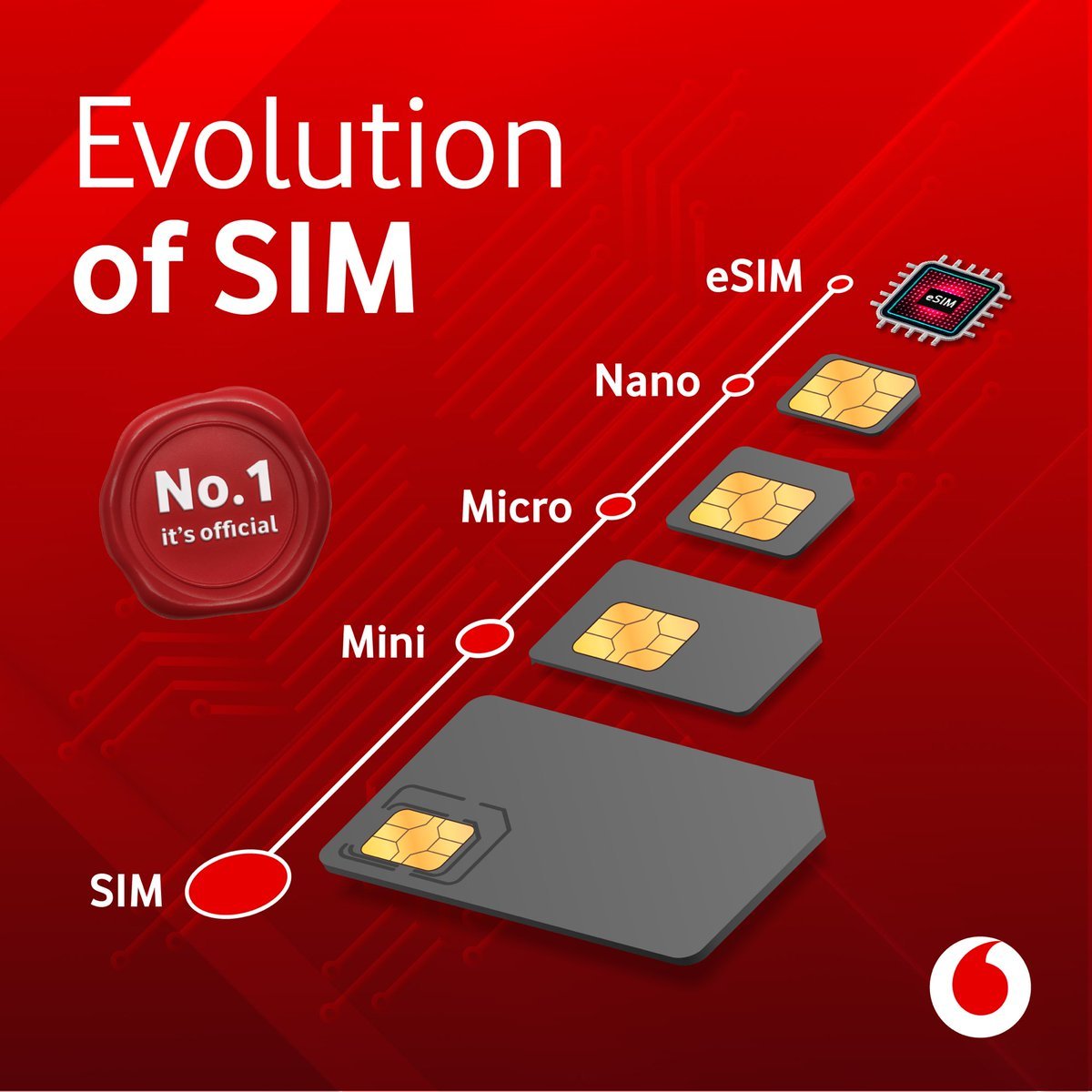
Vodafone Idea has launched eSIM support for its iPhone users, it can be used in devices ranging from iPhone 11 to iPhone SE (2020).
Vodafone Idea ltd, the telecom company, launched eSIM support for its wearable device Apple Watch only last month. Which supports all versions of Apple Watch Series 3 and above. At the same time, the company has also launched eSIM support for the iPhone to provide better facilities to its users. It can be used on devices like iPhone 11, iPhone 11 Pro, iPhone 11 Pro Max, iPhone SE (2020), iPhone XS, iPhone XS Max, and iPhone XR. That is, now users will not have to use the physical sim on the iPhone. Instead, users will now be able to access the network through an Integrated SIM chip.

Vodafone has currently launched its eSIM support service in only three circles. This includes Delhi, Mumbai, and Gujarat. Earlier, the eSIM service launched for Apple Watch was also made available in these three circles. However, no information has been provided by the company regarding the launch and availability of eSIM support in other circles.
Here’s how to activate eSIM support
1. SMS by typing “eSIM email id” (If no email id is registered with your mobile number, send SMS “email id” to 199.
2. If your email is valid, you will receive SMS from 199. You need to reply back with ESIMY to confirm the eSIM request.
3. Post your confirmation SMS, you will receive another SMS from 199 asking you to provide consent over a call
4. After providing your consent on the call, an email with a QR code will be sent to the registered email id.
5. Scan the QR Code:
6. Apple device: Please make sure that the phone is connected to Wi-Fi or mobile data.
7. Go to “Settings” > Select “Mobile Data” > Click on “Add Data Plan”
8. Now “Scan QR code” received on mail.
9. Follow the prompts on the phone.
Your phone’s Wi-Fi or mobile data must be active while scanning the QR code. Go to device settings and click the mobile data option given there. After this scan the QR code. After this, your eSIM will take about 2 hours to become active. If you want, you can also get eSIM support by visiting the nearest store in the company. Here also you have to scan the QR code from your device.
