


The SOS button on iPhone is a crucial feature that can provide peace of mind in times of emergency. Knowing how to access and use it effectively could be life-saving. By familiarizing yourself with the SOS function and customizing the settings to match your preferences, you can ensure that you’re well-prepared to handle critical situations.
iPhone SOS: In today’s fast-paced world, smartphones have become an integral part of our lives not only for communication and entertainment but also to ensure our safety. Apple’s iPhone is no exception, as it comes equipped with a life-saving feature called the “SOS button”. This discreet yet powerful act can provide emergency assistance when it is most needed. In this blog, we’ll take a closer look at the SOS button on the iPhone, its functions, and how it can be a lifeline in dire situations.
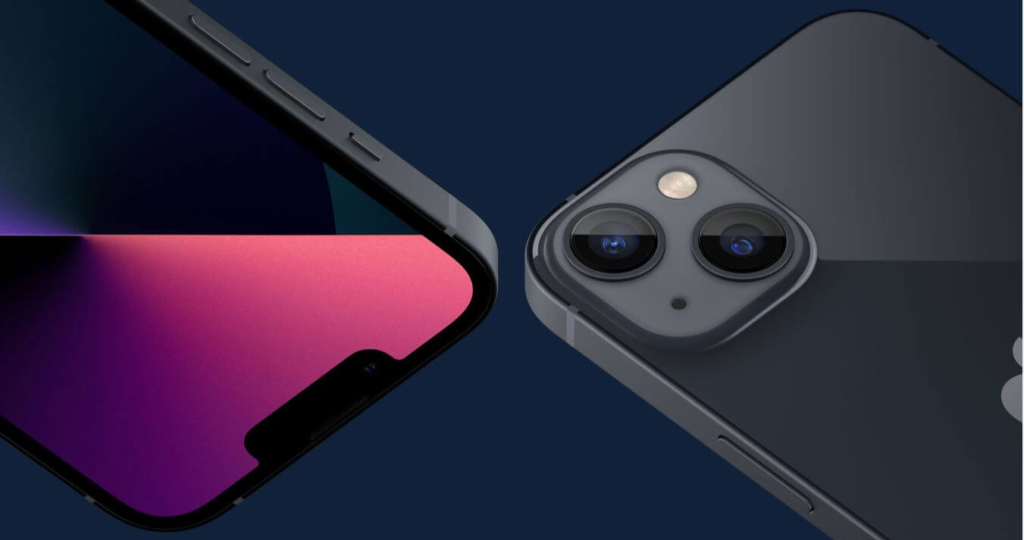
Understanding the SOS Button on the iPhone
The SOS button is designed to quickly summon help during an emergency, whether you are experiencing a medical crisis, facing danger, or need immediate assistance. When activated, the SOS feature automatically contacts local emergency services and designated emergency contacts, and provides them with your location to ensure quick assistance.
How to access sos button on iPhone
On newer iPhone models, accessing the SOS button is easy and can be done in a few different ways:
Pressing the Side button and the Volume button together:
- Quickly press and hold the Side button (located on the right side of the device).
- Simultaneously press and hold one of the volume buttons (either up or down).
- Keep holding both buttons until the Emergency SOS slider appears.
Using the Emergency SOS slider in iPhone

Locate the Emergency SOS slider (represented by the red SOS icon) and slide it to initiate the emergency call.
Automatic emergency call (optional):
In iPhone Settings, you can enable “Auto Call” under Emergency SOS. When this option is on, your iPhone will automatically dial emergency services after the countdown without the need for further action.
how does sos work
Once the SOS button is activated, your iPhone will start a three-second countdown, during which you can cancel the emergency call by sliding the “Cancel” button. If the Auto Call option is enabled, the emergency call will be made automatically after the countdown. Otherwise, you’ll need to slide the “Emergency SOS” slider to place the call.
When the call connects, your iPhone will automatically dial the local emergency number based on your location (for example, 911 in the United States). Additionally, the SOS feature will send a text message to your designated emergency contacts, providing them with your current location.
Customizing Emergency SOS Settings in iPhone
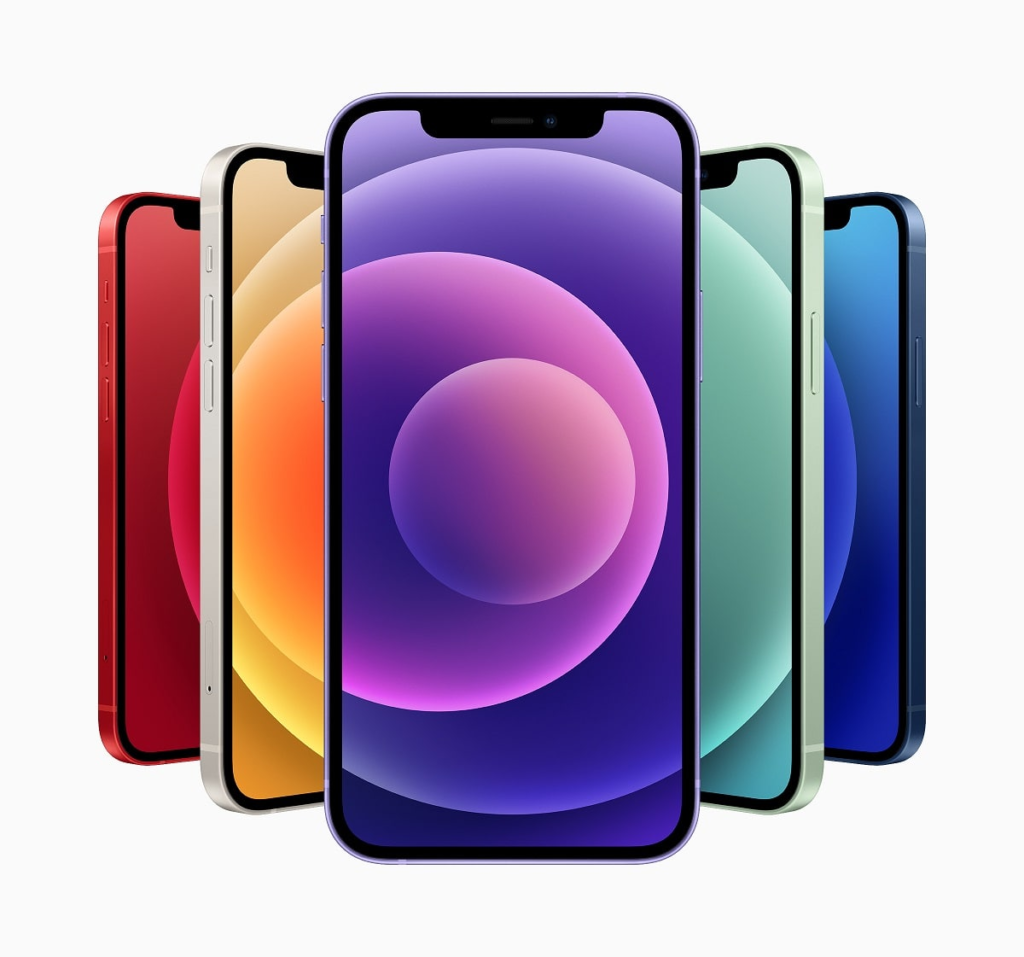
You can customize the Emergency SOS settings on your iPhone to better suit your needs:
Emergency Contacts: Add specific contacts you want to notify in case of an emergency.
Medical ID: Create or update your Medical ID in the Health app. This information will be accessible to first responders when they access Emergency Call from your iPhone’s lock screen.
Remember, the SOS button is a powerful tool, so use it responsibly and only in true emergencies. The quick access and simplicity of the SOS feature make it a valuable addition to your iPhone’s security arsenal, ensuring that help is just a few taps away when you need it most. Be safe and be prepared!
Follow TelecomByte for the latest Tech News, also keep up with us on Twitter, and Facebook.
