
Close Menu
    What's Hot

    Starlink Engages with Indian Government Amid Approval Delays

    10/June/2026

    Vodafone Idea Gets ₹2,113 Crore Relief from Bombay High Court

    10/June/2026

    Airtel Priority Postpaid Is Now Airtel Fast Lane

    10/June/2026
    Facebook X (Twitter)
    TelecomByte – Telecom News, 5G & Industry Insights
    • News
    • Telecom
    • Broadband
    • DTH & OTT
    • Smartphone
    • Apps
    • Games
    • Contact Us
    TelecomByte – Telecom News, 5G & Industry Insights
    Home » Microsoft Windows 11 » Microsoft Windows 11 Preview Build Now Rolling out for Developers
    Apps

    Microsoft Windows 11 Preview Build Now Rolling out for Developers

    Lingraj SahuBy Lingraj Sahu19/July/20213 Mins Read
    Share Facebook Twitter LinkedIn Email WhatsApp Copy Link
    Follow Us
    Google News Facebook X (Twitter)
    windows 11
    windows 11

    Microsoft announced Windows 11 last month. It is being speculated that Windows 11 could be launched in October but testers who want to try the new operating system need not wait till then.

    Microsoft announced Windows 11 last month when the company released its first major OS update since the launch of Windows 10 six years ago. Windows 11 is speculated to launch in October, but testers who want to try the new operating system don’t have to wait until then.
    Microsoft Windows 11

    Microsoft Windows 11 For Developers and Tester

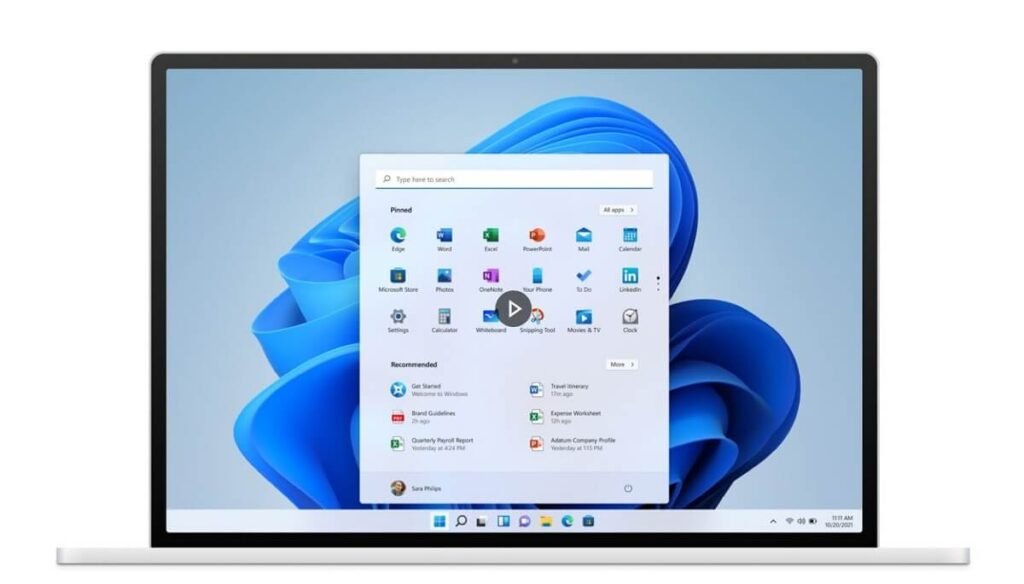
    Indeed, Microsoft has started rolling out Windows 11 preview builds for developers and testing which essentially makes all the big changes. Since the OS build is still in beta, the software giant has also pointed out that users may face several critical issues while testing it. Microsoft also specified that laptops/PCs with compatible 64-bit processors or SoCs, 4GB of RAM, and 64GB of free storage are eligible for the Windows 11 update.
    Microsoft Windows 11

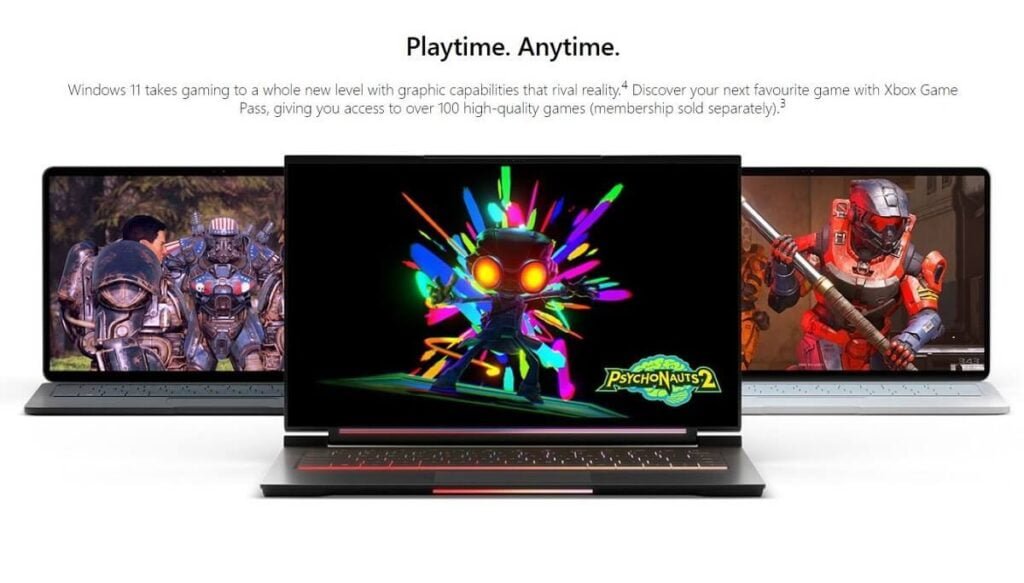
    Several OEMs have confirmed the arrival of Windows 11 OS, including Realme which is yet to launch its first Realme Book this year. A recent Intel document highlighted the stable-release date as “October 2021 Update (21H2)”. Microsoft has been using a scheme called MMYY for a long time, and it usually releases two major changes in the year of the sale, H1 (first half) and H2.

    Microsoft’s program manager Brandon LeBlanc recently confirmed that Windows 11 will continue to use the familiar code-naming convention yyH2 for Windows 10 users. Unlike Windows 10, Windows 11 will receive a single feature update every year that will roll out in the second half (H2).
    Microsoft Windows 11

    How to sign up for the Windows Insider build of Windows 11

    • Make sure you are signed in to your Microsoft account on Windows.
    • Read the Program Agreement and Privacy Statement and then accept and submit.
    • Save all your data and close all your apps, then
    • Settings > Update & Security > Windows Insider Program
    • Go to program Click on the Get Started button and select your account.
    • Select your channel to receive builds of Windows 11 – Choose your channel from the three rings Dev, Beta and Release Preview.
    • Confirm the program’s term and privacy statement, then tap Restart Now and Restart Later to start receiving new Windows Insider builds.
    • Go to Settings > Update & Security > Windows Update and select the Check for Updates button to download the latest Insider Preview build.
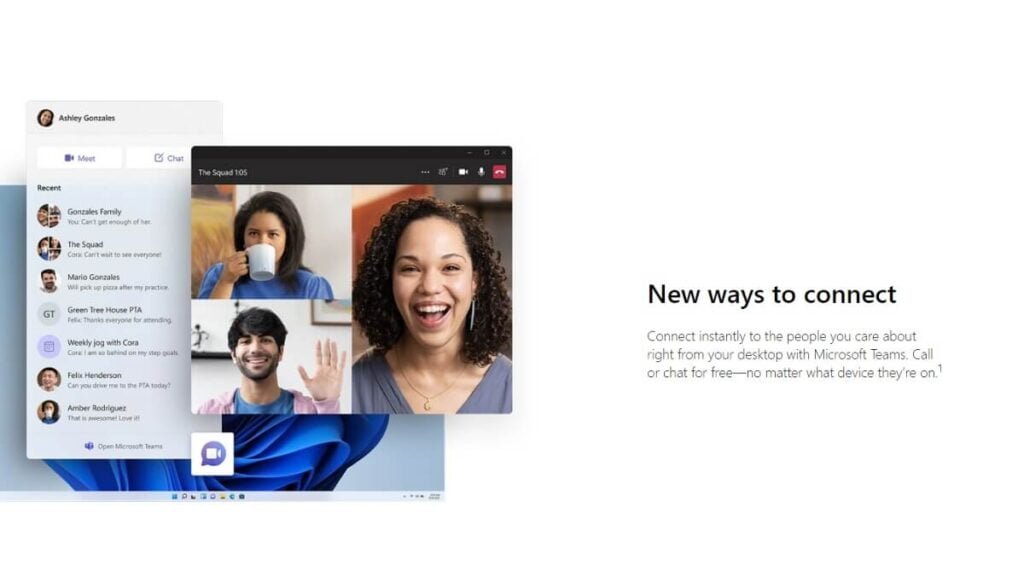
    Microsoft Windows 11

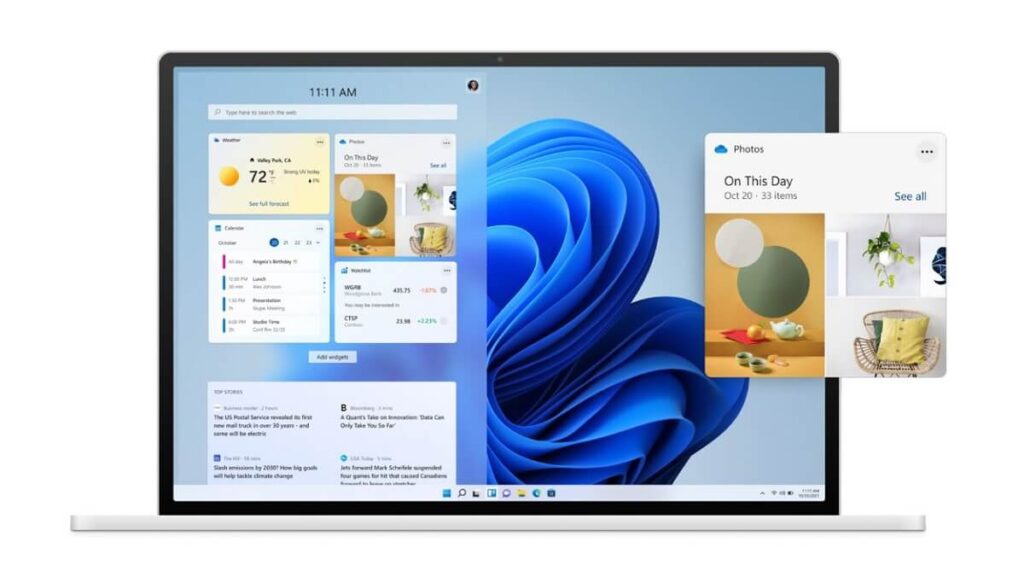
    The new OS brings a number of service redesigns, including Microsoft Store apps, Settings, Lock Screen, File Explorer, Refresh Start Menu, Taskbar, and Action Center. At the same time, some services are being removed to make Windows 11 more user-friendly. In which two major changes are included – Live Tile Removal from the Start Menu and Disabling Internet Explorer Browser.

    Follow TelecomByte for the latest Tech News, also keep up with us on Twitter, and Facebook.

    Microsoft Windows 11 Windows 11
    Share. Facebook Twitter LinkedIn Email WhatsApp Copy Link
    Lingraj Sahu
    • Website
    • Facebook
    • Instagram
    • LinkedIn

    Lingraj is one of the youngest members of TelecomByte, and a recent tech geek convert. When he's not churning out articles, you’ll find him watching sports, exploring new places, and listening to music.

    You may also like

    Google’s New RCS Feature Aims to Stop AI Voice Scams on Android

    04/June/2026

    Reliance Jio Rs 349 Recharge vs Bill Plan: Is Postpaid Worth It?

    04/June/2026

    Jio Likely to Benefit as TRAI’s Initial Assessment Favors Airtel Priority Postpaid Service

    04/June/2026
    Leave A Reply Cancel Reply

    Recent Posts
    • Starlink Engages with Indian Government Amid Approval Delays
    • Vodafone Idea Gets ₹2,113 Crore Relief from Bombay High Court
    • Airtel Priority Postpaid Is Now Airtel Fast Lane
    • Bombay HC Quashes Airtel’s Rs 8,414 Crore Spectrum Charge Demand
    • Vi Launches 5G Services in Bhopal
    Don't Miss

    Tecno Spark 7 Pro Today Launching in India

    Lingraj Sahu25/May/2021

    Tecno Spark 7 Pro Launch Event in India Tecno Spark 7 Pro smartphone will be…

    Airtel Now Partners With CuriosityStream To Bring Award-Winning Factual Entertainment

    25/November/2019

    Realme X7 Max 5G Features Teased Ahead of India Launch

    20/May/2021

    Tata Sky Binge+ Now Offering Video Content From ZEE5

    11/July/2020
    Stay In Touch
    • Facebook
    • Twitter
    © 2022 - 2026 Copyright TelecomByte. All Rights Reserved.
    • About Us
    • Privacy Policy
    • Terms and conditions
    • Disclaimer
    • DMCA Policy
    • Acceptable Use Policy
    • Cookie Policy
    • Contact Us

    Type above and press Enter to search. Press Esc to cancel.