

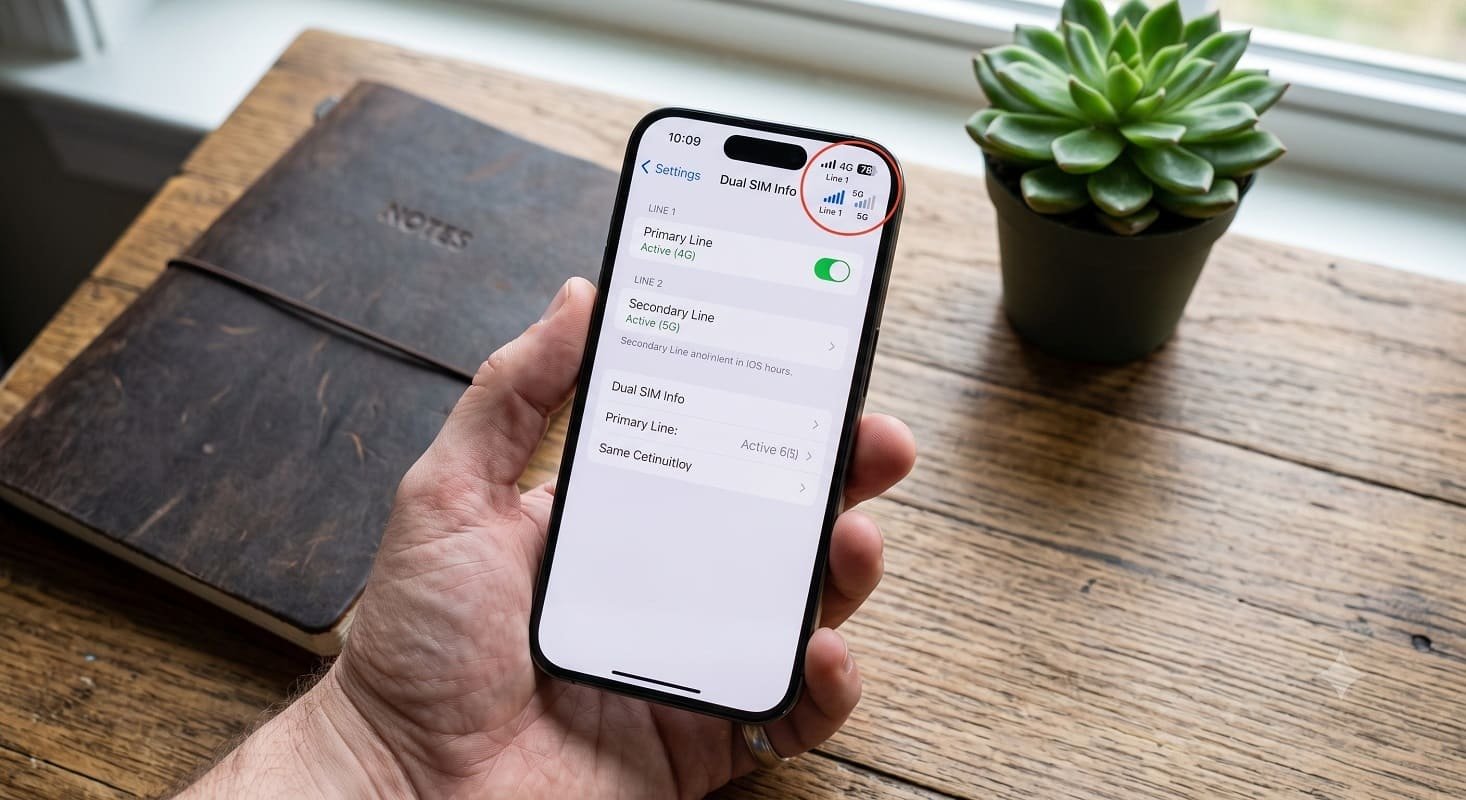
Embedded Subscriber Identity Module (eSIM) technology has evolved from an exclusive feature into a standard across modern mobile devices. By replacing physical SIM trays with an embedded digital chip, smartphone manufacturers save critical interior space for larger batteries and improved cooling systems while offering users flexible network management.
In India, Bharti Airtel supports eSIM functionality across leading smartphone brands including Apple, Google, Samsung, Motorola, Vivo, OnePlus, and Oppo. Whether you are setting up a dual-SIM configuration or migrating from a traditional plastic SIM, activating an Airtel eSIM in 2026 is a streamlined digital process.
Essential Prerequisites Before Starting Setup
Before submitting an eSIM migration request, verify that your account and handset meet these fundamental prerequisites:
- eSIM-Compatible Handset: Confirm your phone supports eSIM technology by dialing
*#06#. An EID entry must appear on the screen. - 32-Digit EID Code: Note down your device’s unique 32-digit Embedded Identity Document (EID) number.
- Active Registered Mobile Number: The Airtel SIM card being converted must be active to receive security One-Time Passwords (OTPs) and the mandatory confirmation phone call.
- Stable Internet Access: Connect your phone to Wi-Fi or cellular data during the profile download phase.
Step-by-Step Workflow: Activating Your Airtel eSIM
Follow this sequence to request, verify, and install your Airtel digital profile directly on your smartphone:
| Process Phase | Action Item | Detailed Operating Instructions |
| Step 1 | App Login | Launch the official Airtel App and log in using the mobile number you intend to upgrade. |
| Step 2 | Navigate to Shortcuts | Go to the main Home tab and scroll down to locate the Shortcuts section. |
| Step 3 | Initiate Upgrade | Tap the Upgrade to eSIM icon to start your digital provisioning request. |
| Step 4 | Target Device Selection | Select This Device or Another Device based on where the profile will be used. |
| Step 5 | Submit 32-Digit EID | Enter your handset’s 32-digit EID number to trigger security validation. |
| Step 6 | OTP Verification | Enter the One-Time Password sent via SMS to your registered Airtel number. |
| Step 7 | Interactive Voice Call | Answer the automated verification call from Airtel after 10 minutes and press the specified key to confirm. |
| Step 8 | Profile Installation | Follow system notifications to download the eSIM, remove the physical SIM, and restart the handset. |
OS-Specific Profile Download Instructions
Once your request passes automated call verification, download the network profile according to your mobile operating system:
- Apple iPhone (iOS): Connect to Wi-Fi, pull down the notification panel, tap Finish Setting Up Mobile Service, and press Continue.
- Samsung Galaxy Devices: Go to Settings > Connections > SIM Manager > Add eSIM and follow the prompts to complete profile retrieval.
- Google Pixel & Other Androids: Open Settings > Network & Internet, tap the + (Add) button next to Mobile Network, select Download a SIM, and follow on-screen prompts.
Post-Activation Security and Regulatory Guidelines
After downloading the profile, keep the following security protocols in mind:
- Activation Period: The new eSIM profile activates within two hours of completing the profile download. Remove your old physical SIM once cellular signal bars appear, then reboot the device.
- SMS Safety Window: Per Department of Telecommunications (DoT) security directives, incoming and outgoing SMS services remain restricted for 24 hours following SIM provisioning to prevent fraud.
- EID Privacy: Never share your EID number publicly, as unverified access can expose your account to unauthorized SIM swap attempts.
- Device Loss Support: If an eSIM-provisioned phone is lost or stolen, visit an official Airtel Store with government ID proof for immediate line suspension and replacement SIM issuance.
Expert Analysis: The Technological Advantages of eSIM Integration
Industry Context: Remote SIM Provisioning (RSP) standards created by the GSMA allow operators to provision network profiles securely over the air. For subscribers, removing physical SIM trays eliminates mechanical wear and physical loss while making stolen devices harder to disconnect from cloud tracking networks.
Additionally, managing multiple profiles on a single device allows international travelers to toggle between domestic and overseas carriers without maintaining multiple physical cards.
What This Means For Mobile Users
Upgrading to an Airtel eSIM provides immediate practical benefits:
- Dual-SIM Capabilities: Run primary and secondary accounts on a single phone without requiring two physical card slots.
- Simplified Upgrades: Move digital profiles between supported devices without visiting a physical retail branch.
- Improved Environmental Sealing: Helps smartphone manufacturers build sleeker, water-resistant enclosures by removing large physical card trays.
Converting to an Airtel eSIM in 2026 is a quick, secure, and fully digital procedure managed directly through your smartphone. By leveraging the official Airtel App and your handset’s 32-digit EID number, you can activate your digital SIM within a couple of hours, unlocking flexible, dual-line connectivity without physical SIM management.
