

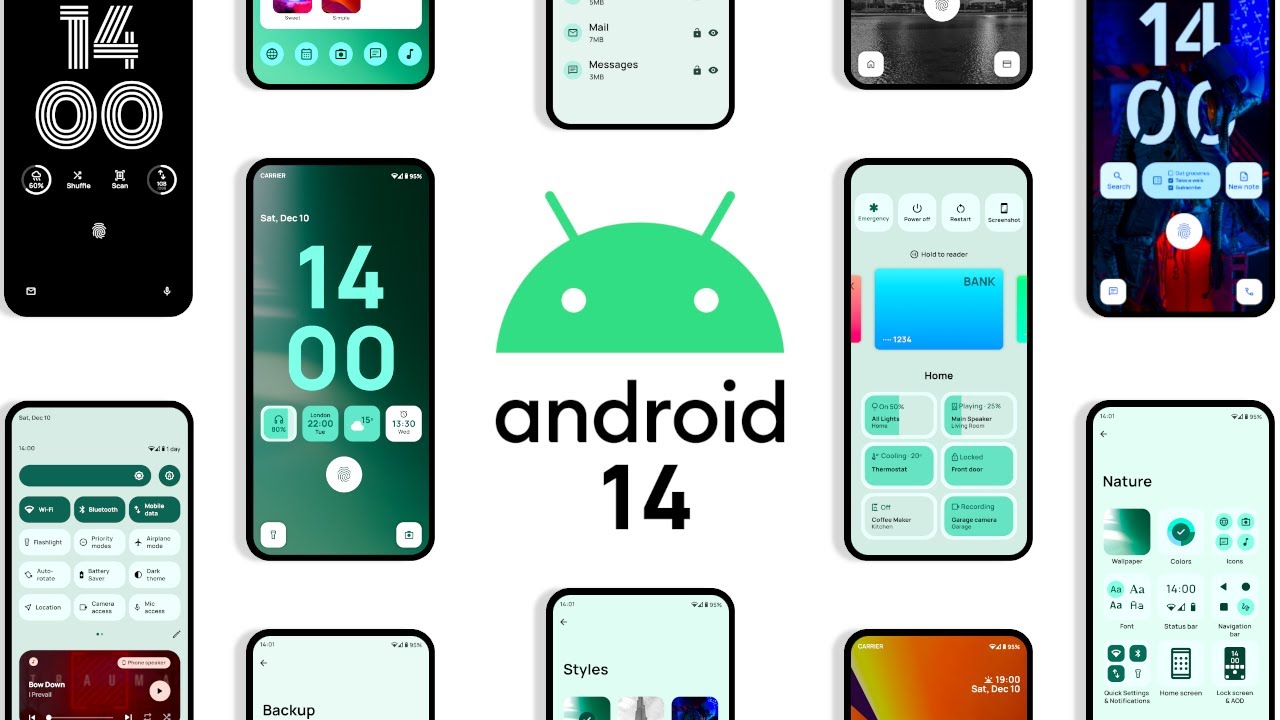
Following the initial release of the first developer preview of Android 14, the company has now unveiled the second developer preview, bringing a host of new features for users. This latest update promises to significantly enhance privacy and security, offering a better experience than ever before.
Android 14 Developer Preview: Android enthusiasts and developers around the world have been eagerly waiting for the release of the next version of Android, and the latest news is that the second developer preview of Android 14 has just been released. This is an exciting development for developers and Android users alike, as the preview gives us a glimpse of what to expect from the new version of Android. In this article, we’ll take a closer look at what the second developer preview of Android 14 has to offer.
Android 14 is the next major version of the Android operating system, and it is expected to be released later this year. The second developer preview of Android 14 was released on March 10th, 2023, and it brings with it several new features and improvements that will make Android 14 a more powerful and user-friendly operating system.
One of the most exciting new features in Android 14 is the introduction of a new privacy dashboard that gives users more control over their data. The privacy dashboard allows users to see which apps are accessing their data and to revoke permissions if necessary. This is a significant improvement over previous versions of Android, which have been criticized for being too lax when it comes to user privacy.
Another new feature in Android 14 is the introduction of a new version of Google Assistant. The new Google Assistant is faster and more accurate than previous versions, and it can perform a wider range of tasks. For example, the new Google Assistant can now control smart home devices, such as lights and thermostats, with voice commands.
Android 14 also introduces several improvements to the user interface, including a new design for the notification shade and an updated app drawer. The new design of the notification shade makes it easier to see and respond to notifications, while the updated app drawer makes it easier to find and launch apps.
In addition to these new features, Android 14 also includes several performance improvements that will make the operating system faster and more efficient. For example, the update includes a new version of the ART runtime, which is the software that runs Android apps. The new version of ART is faster and more efficient than previous versions, which means that apps will load and run faster on Android 14.
Overall, the second developer preview is a significant step forward for the Android operating system. The new features and improvements will make a more user-friendly and powerful operating system, and developers will have more tools and capabilities to create innovative and exciting apps.
If you’re a developer who wants to try out the new features in Android 14, you can download the second developer preview from the Android Developer website. However, it’s important to note that this is a developer preview, which means that it’s not intended for use on production devices. Instead, it’s meant for developers to test their apps and ensure that they are compatible with the new operating system.
In conclusion, the second developer preview of Android 14 is an exciting development for Android enthusiasts and developers. The new features and improvements in Android 14 will make it a more powerful and user-friendly operating system, and we can’t wait to see what developers will create with these new tools and capabilities. If you’re a developer, be sure to download the developer preview and start exploring the new features in Android 14 today!
Follow TelecomByte for the latest Tech News, also keep up with us on Twitter, and Facebook.
