

The new Microsoft Windows 11 update comes six years after the company launched Windows 10.
Microsoft has finally officially launched its new Windows 11 with better-organized features and new UI in the design of its next-generation operating system in a big event today. This new update comes six years after the company launched Windows 10. Users were waiting for the launch of Windows 11 for a long time. Let’s know which new updates and features will be equipped with Windows 11.
What’s new in Windows 11
The company has put a lot of focus on the design of its new Windows. Under which Windows has been updated with new themes and graphics. In the new Windows 11, a new start menu has been changed without live tiles and a new position has been given to the taskbar icon which has now been shifted to the center. Along with this, Windows Hello has also been given a new look.
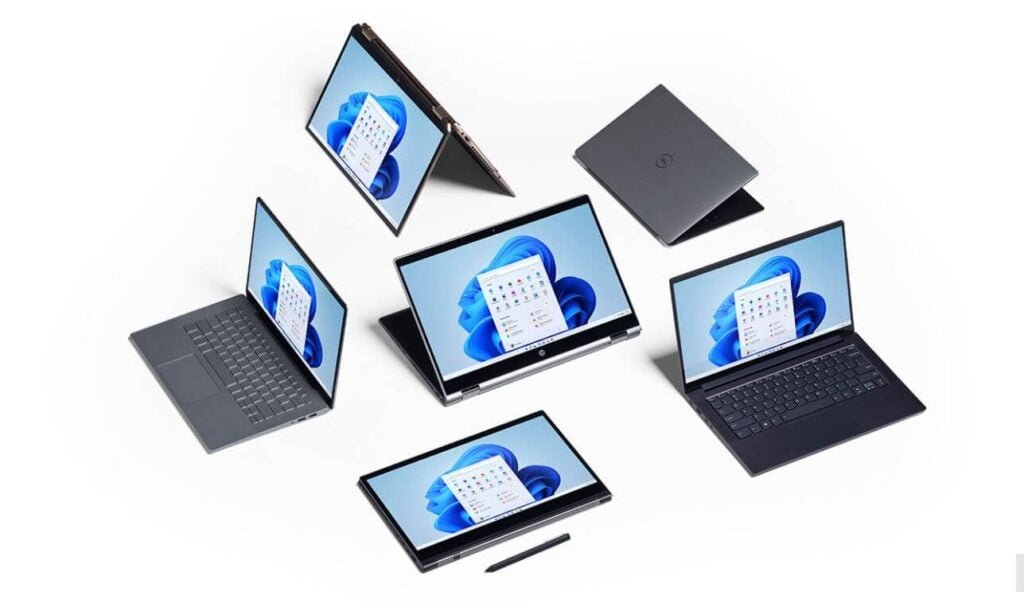
The new changes introduced are similar to Windows 10X. It also has Android apps that you can install directly on your PC. Now it has been made easy for the users to connect one computer to another PC. System-wide dark and light modes are also available in the OS.
Windows 11 Also Sport Android Apps
The new App Store on Windows 11 will also support Android apps through the Amazon App Store. Users will be able to use apps in a smartphone format similar to picture-in-picture mode with a new feature called Snap Layout. The new feature will allow the OS to remember the shapes that were set the last time the app was used. The Snap Layout feature is an updated version of the different split-screen options available on Windows 10.

The software company has claimed that Windows 11 will come with new features that have been made for business users, especially for those operating systems with external monitors. For example, when users undock a machine to take a call in a quiet room and then when users dock the machine again, the OS will automatically adjust the apps to a single screen.
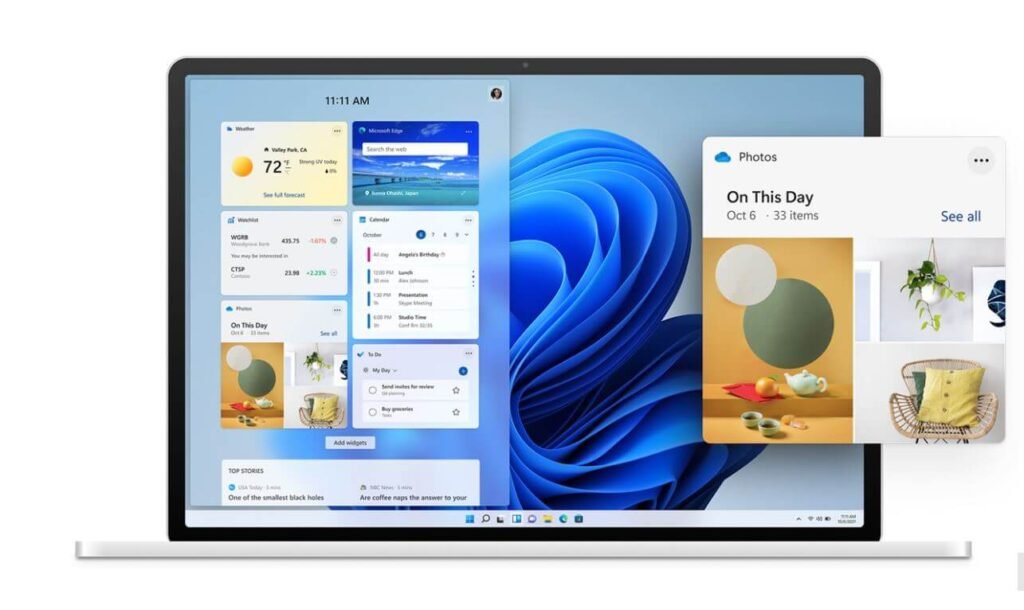
Windows 11 also comes with new sounds and alerts, including the fresh startup sound. There are subtle changes in terms of gestures as well. Additionally, you’ll get new themes, some new wallpapers, and an improved dark mode. Windows 11 also includes an updated widgets experience. Widgets can bring on the front by swiping from the left of the screen or can be placed full screen. You’re provided with the options to rearrange widgets or resize them — as per your preference. You can also add or remove your widgets that can help you receive the latest news or weather updates.
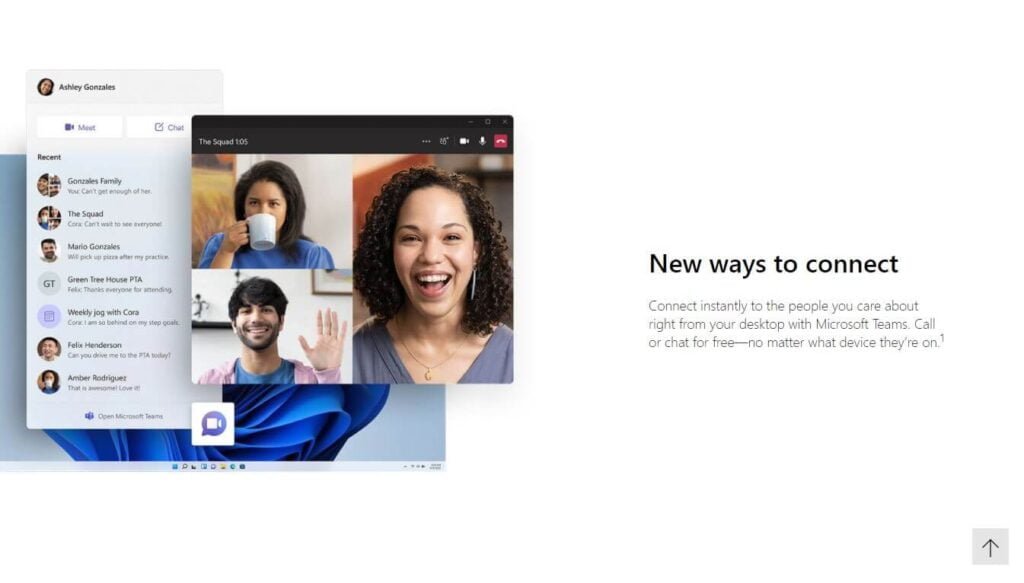
For an enhanced multitasking experience, the maximize button now lets you split the active screens between multiple areas of the desktop. Microsoft calls this new experience Snap Layouts. These layouts let you simultaneously open multiple different screens on your computer just by hovering your mouse over the maximize button. Once accessed, Windows 11 also remembers your selected Snap Layout for multiple windows and keep them ready along with the apps you were working on there for future access directly from the taskbar. Groups created by Snap Layouts that can be used for future access are called Snap Groups.
Follow TelecomByte for the latest Tech News, also keep up with us on Twitter, and Facebook.
