

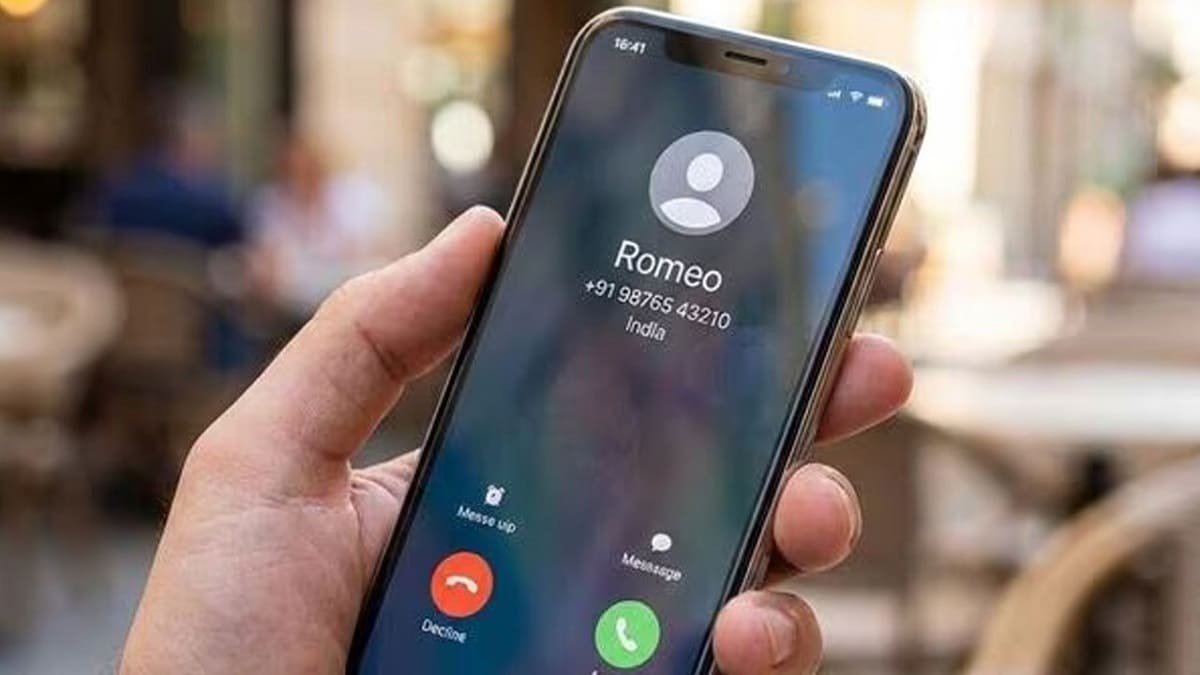
India’s Calling Name Presentation (CNAP) service is intended to show the name associated with an incoming caller’s telecom subscriber record alongside the phone number. The Department of Telecommunications has directed operators to introduce the service across 4G and newer-generation networks from November 1, 2026.
However, users should not expect every unknown number to display a person’s name in every situation. The result depends on the type of call, the number’s status in the recipient’s contacts, the caller’s subscriber records and the implementation of CNAP across networks and devices.
Here are seven possible reasons a caller’s name might not appear as expected.
1. CNAP Has Not Been Implemented Consistently Yet
The November 1 date is the prescribed start of the rollout, not a guarantee that every user will see the feature working identically from the first day.
Operators need to implement the service and coordinate the exchange of caller-name information between networks. During the rollout, the experience may vary.
If the name does not appear, it does not automatically mean that your phone or SIM is defective.
2. The Phone Is Using a 2G or 3G Connection
The DoT’s October 13 circular covers wireless terrestrial networks using 4G and newer-generation technologies. The introduction of CNAP on 2G and 3G networks will be considered separately.
This matters for users with older phones, connections limited to older network technologies or locations where their phone falls back to a legacy network.
A handset that supports 4G or 5G may still use a different network technology in some circumstances. The actual network connection at the time of the call can therefore matter.
3. The Caller’s Number Is Already Saved in Your Contacts
CNAP is not intended to replace the name already saved in your phone’s contact list.
Under the DoT’s instructions, the recipient’s locally saved contact name takes precedence. For example, if you saved a number as “Office Delivery”, your phone may continue to display that label instead of the subscriber name recorded by the telecom operator.
This is expected behaviour, not necessarily a CNAP failure.
4. The Call Is Coming From an International Number
The DoT’s instructions specify that when an unsaved number makes an international call, the name field should display “International Call”.
Therefore, you should not expect CNAP to display a domestic subscriber name for every call originating outside India.
If the caller claims to represent a bank, government agency or company, verify the request independently rather than relying on the displayed label.
5. The Caller Has Activated CLIR
Calling Line Identification Restriction (CLIR) is a facility that restricts the presentation of a caller’s identity.
The DoT’s instructions state that the calling name of users who have availed of CLIR in accordance with the applicable guidelines will not be presented.
This is different from a number simply being absent from your contacts. It is a specific identity-restriction provision.
6. The Subscriber Name Is Different From the Name You Expect
CNAP uses the name recorded in the originating operator’s subscriber database, subject to the applicable rules for approved preferred names.
The recorded name may differ from the caller’s commonly used name. A SIM might be registered under a family member’s name, or a person might use a connection registered under a business or another legal entity.
This can make a displayed name confusing even when the system is using the information in the operator’s records.
The DoT’s circular provides a process for eligible users to request a verified preferred name, including certain trademark-registered or GST-registered trade names. Approval is subject to the operator’s verification process.
7. Your Phone’s Calling Interface May Not Display the Information as Expected
CNAP is a network service, but users see the result through their phone’s calling interface. Network implementation, software support and device behaviour can affect the practical experience.
The DoT has not published a definitive list of individual smartphone models guaranteed to display CNAP correctly. If your phone continues to show only a number after the rollout, check for available software updates and contact your operator to ask whether the service is supported on your connection.
Do not assume that downloading a caller ID app is required to activate CNAP.
What Should You Do if CNAP Does Not Work?
After the rollout begins, first check whether your phone is connected to a supported network. Then test calls from unsaved domestic numbers and distinguish those results from saved contacts and international calls.
If the problem persists, contact your telecom operator and report the issue through its customer-care or grievance-redressal channel. The DoT’s circular requires operators to establish a mechanism for CNAP-related grievances.
Finally, remember that seeing a name is not proof that a call is genuine. CNAP is intended to provide caller-name information, not a guarantee against fraud. Never share OTPs, passwords or banking details with an unknown caller simply because the displayed name looks familiar.
