
Close Menu
    Facebook X (Twitter) Instagram Threads
    TelecomByte
    • Telecom
    • Broadband
    • DTH & OTT
    • Gadgets
    • News
    • Contact Us
    Tuesday, 18 August 2026
    TelecomByte
    Home » Gadgets » Apps » Apple iPhone 5 Will Stop Working If iOS Not Updated
    Apps News

    Apple iPhone 5 Will Stop Working If iOS Not Updated

    Lingraj SahuBy Lingraj Sahu28/October/2019Updated:08/June/2020No Comments2 Mins Read
    Apple iPhone 5 Will Stop Working If iOS Not Updated
    Share
    Facebook Twitter Threads Copy Link LinkedIn WhatsApp Email

    Update your iPhone 5 to continue using App Store, iCloud, email, web, and other services – Apple has started advising iPhone 5 owners

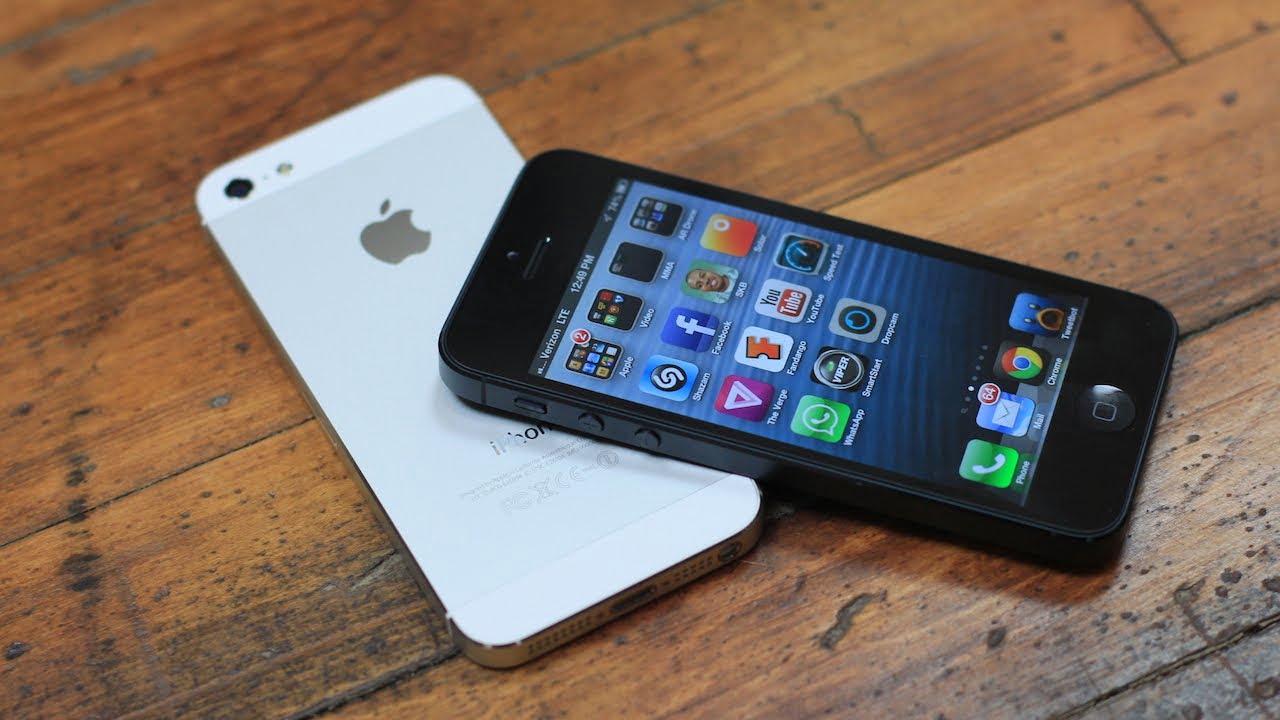
    If you are still continuing with your old Apple iPhone 5, it’s the right time to give your device a critical iOS software update, else the device will not work anymore. Apple is now informing all iPhone 5 users for the update which includes a change in GPS which will be live from November, and if the user is not updating to the latest version, the device will stop connecting to the mobile or WI-FI internet. All iPhone 5 users have time till November 3 for the OTA (over-the-air) update of their devices. The GPS time rollover issue was started in April will throw off features that require the correct date and time for the device to function.

    Apple has mentioned-

    Starting just before 12:00 a.m. UTC on November 3, 2019,* iPhone 5 will require an iOS update to maintain accurate GPS location and to continue to use functions that rely on correct date and time including App Store, iCloud, email, and web browsing. This is due to the GPS time rollover issue that began affecting GPS-enabled products from other manufacturers on April 6, 2019. Affected Apple devices are not impacted until just before 12:00 a.m. UTC on November 3, 2019.

    Update your device’s software

    It’s always a good idea to keep the operating system on your iPhone updated. If you have an iPhone 5, it’s especially important to update your device’s software wirelessly or using your computer before November 3 to maintain accurate GPS location and to continue to use functions that rely on correct date and time including App Store, iCloud, email, and web browsing. If the update to iPhone 5 is not completed by November 3, 2019, you will be required to back up and restore using a Mac or PC in order to update because over-the-air software updates and iCloud Backup will not work.

    Apple iPhone 5 Update

    Check your device’s iOS version

    After you update your iPhone 5, you can check to make sure that your device has updated successfully:

    1. Open the Settings app.
    2. Tap General, then tap About.
    3. Look for the number next to Software Version.
    4. The updated software version number should be 10.3.4.
    Apple
    Share. Facebook Twitter Pinterest Bluesky Threads Tumblr Telegram Email
    Lingraj Sahu
    • Website
    • Facebook
    • X (Twitter)
    • Instagram
    • LinkedIn

    Technology and telecom writer covering India’s telecom industry, 5G, smartphones, consumer technology, digital services, and emerging technology trends. At TelecomByte, he focuses on breaking industry developments, product launches, regulatory updates, and technology news, with an emphasis on factual reporting and source-based analysis.

    Related Posts

    Bank of America Jio Credit Stake Deal: Rs 18,268 Crore for 49.9% Stake

    13/August/2026

    Apple Pay India Launch Tipped for October 2026 Without UPI

    11/August/2026

    Jio OTT Pass Plans Expanded With New Rs 550 and Rs 2000 Prepaid Options

    10/August/2026
    Add A Comment
    Leave A Reply Cancel Reply

    Recent Posts
    • OnePlus Nord 6 Series Price Hike Hits Up to Rs 4,000 in India
    • BSNL Fiber Freedom Plan Launches at Rs 1,111 With 200 Mbps Speed
    • Google Pixel 11 vs Pixel 11 Pro: Key Differences, Specs, Cameras and Price
    • Reliance Rolls-Royce AMCA Engine Partnership Announced for India
    • Boat PartyPal Speakers Launched in India With Up to 300W RMS Sound

    Subscribe to Updates

    Get the latest telecom, technology, 5G, and industry news delivered to your inbox.

    EXPLORE
    • Home
    • Telecom
    • 5G
    • Gadgets
    • Broadband
    ABOUT TELECOMBYTE
    • About TelecomByte
    • Our Authors & Editorial Team
    • Editorial Policy
    • Corrections Policy
    • Contact Us
    LEGAL & POLICIES
    • Privacy Policy
    • Disclaimer
    • Acceptable Use Policy
    • DMCA Policy
    STAY CONNECTED
    • facebook
    • twitter
    • Google News

    Type above and press Enter to search. Press Esc to cancel.