

Nothing has started rolling out Nothing OS 5.0, based on Android 17, with a redesigned interface, improved AI tools and performance enhancements. Here is the list of eligible Nothing and CMF phones and the expected rollout schedule.
Nothing has started the stable rollout of Nothing OS 5.0, its latest major software update based on Android 17. The update began reaching the Nothing Phone (3) on 12 October 2026, with additional Nothing and CMF smartphones scheduled to receive it in the coming months.
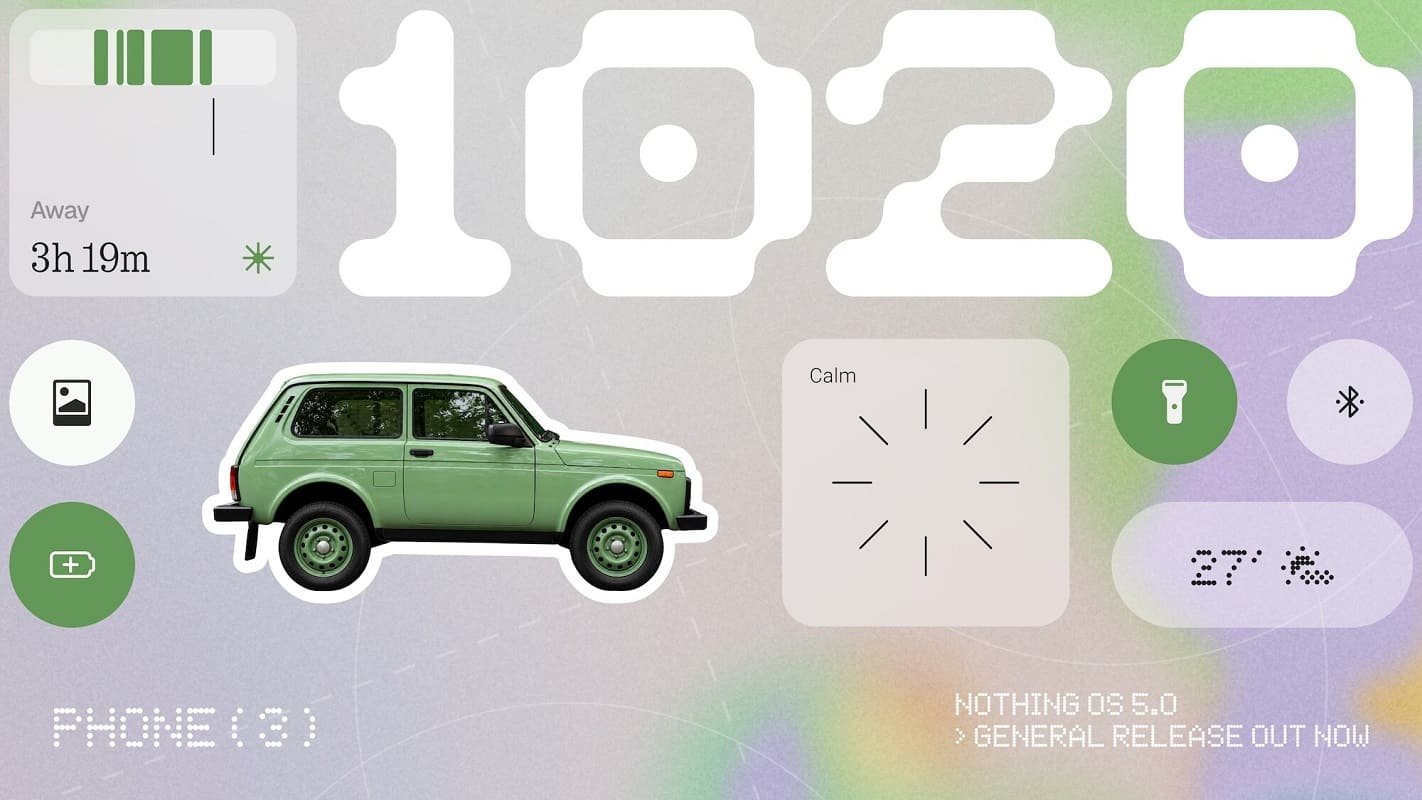
Nothing OS 5.0 introduces changes to the home screen, lock screen, system animations, widgets and Glyph controls. It also brings Android 17 features and improvements to Nothing’s Essential AI tools, making the update relevant to users looking for both a refreshed interface and new software capabilities.
However, the update will not reach every Nothing or CMF smartphone. The company has confirmed that the original Nothing Phone (1), Nothing Phone (2) and CMF Phone 1 have reached the end of major software support and will not receive Nothing OS 5.0.
Nothing OS 5.0 Update: Eligible Phones List
According to Nothing’s official software update roadmap, the rollout is scheduled to continue from October 2026 through January 2027. The company has provided indicative release windows, meaning the actual availability date may vary by device, region and carrier.
| Smartphone | Expected stable rollout |
|---|---|
| Nothing Phone (3) | From 12 October 2026 |
| Nothing Phone (4a) Pro | Early November 2026 |
| Nothing Phone (4a) | Early November 2026 |
| Nothing Phone (3a) Pro | Early November 2026 |
| Nothing Phone (3a) | Early November 2026 |
| Nothing Phone (2a) | Mid-November 2026 |
| Nothing Phone (2a) Plus | Mid-November 2026 |
| Nothing Phone (3a) Lite | Late December 2026 |
| CMF Phone 2 Pro | Mid-January 2027 |
| Nothing Phone (4b) | Mid-January 2027 |
These are the company’s published target windows, not guarantees that every user will receive the update on the same day. Nothing may adjust the schedule as the rollout progresses.
Which Nothing Phones Will Not Get the Update?
Nothing has confirmed that the following devices will not receive Nothing OS 5.0:
- Nothing Phone (1)
- Nothing Phone (2)
- CMF Phone 1
The company lists these devices as having reached the end of major software support. Users should therefore check their device’s official support policy rather than assume that every phone from the brand will receive the latest operating system.
Nothing OS 5.0 Features: What’s New?
1. Redesigned Home Screen and User Interface
Nothing OS 5.0 introduces a refreshed visual design with updated typography, icons, spacing and animations. The changes extend across system applications and interface elements, including Settings, Camera, Gallery and the status bar.
The home screen receives wallpaper-aware colours, tinted app icons and transparent widgets. These additions provide more personalisation options while retaining Nothing’s distinctive visual identity.
The update also introduces new clock faces, including Gooey and Micrographics. The Micrographics design provides more information in a compact layout, while the updated customisation options allow users to adjust the appearance of their lock screen.
2. Improved Glyph Interface Controls
Nothing has introduced a dedicated Glyph app that brings its compatible lighting and sound controls together in one place. This should make it easier for users to manage supported Glyph features without navigating through multiple settings.
The update also introduces the Glyph Timer, which allows users to start countdowns directly from the home screen. The availability of individual Glyph features will depend on the smartphone’s hardware.
3. Better Performance and Smoother Animations
Nothing OS 5.0 includes system optimisations intended to improve app launches, scrolling, touch responsiveness and multitasking. Nothing also says that improved memory management can reduce unnecessary app reloads.
The company has refined animations and system interactions to make the interface feel more responsive. Actual performance gains may vary depending on the device, installed applications and usage patterns.
4. New AI Features and Essential Space Improvements
Nothing is continuing to develop its Essential AI tools, including features designed to help users capture, organise and retrieve information. Essential Space is intended to make it easier to manage saved content, screenshots and other captured material.
Nothing’s published update information also describes improvements to Essential Voice and other AI-assisted functions. However, not every feature will arrive simultaneously with the operating system update. Some Essential Space improvements will be delivered separately through Google Play, while certain features remain in development or are being introduced gradually.
Users should therefore distinguish between features included in the initial software release and those scheduled for separate updates.
5. Android 17 Features
Nothing OS 5.0 is based on Android 17 and incorporates several platform-level changes.
One notable addition is the option to separate notifications and Quick Settings into dedicated panels. This gives users more control over how they access alerts and system controls.
The update also improves Quick Share. Users can share files with nearby compatible Android devices or generate a QR code that allows an iPhone or another device to download the shared content through a web link.
Other Android 17 additions include enhanced privacy indicators, updated permission controls, improvements to screen recording and expanded Dark Theme support.
6. More Home Screen and Widget Customisation
Nothing OS 5.0 adds more ways to organise the home screen. Users can move multiple applications and widgets together through batch editing, reducing the effort required to rearrange a layout.
The Collector widget also lets users turn selected photos into stickers displayed on the home screen. Combined with wallpaper-aware colours and the new clock designs, these changes provide more flexibility over the phone’s appearance.
When Will Nothing OS 5.0 Reach Your Phone?
The Nothing Phone (3) is first in line for the stable release, which began on 12 October. The Phone (4a), Phone (4a) Pro, Phone (3a) and Phone (3a) Pro are scheduled for early November, followed by the Phone (2a) and Phone (2a) Plus in mid-November.
The Phone (3a) Lite is scheduled for late December, while the CMF Phone 2 Pro and the Phone (4b) are listed for mid-January 2027. These dates remain indicative and may change.
Nothing is using a phased rollout, so two users with the same model may not receive the update simultaneously. Regional and carrier-related factors can also affect availability.
How to Check for the Nothing OS 5.0 Update
If your smartphone is eligible, you can manually check whether the update is available by following these steps:
- Open Settings on your Nothing or CMF phone.
- Select System.
- Tap System update.
- Check for available updates and follow the on-screen instructions if Nothing OS 5.0 is offered.
If the update is not available, your device may be scheduled for a later rollout window. There is no need to assume that the phone is ineligible simply because another user has already received the update.
Before installing a major operating system upgrade, back up important data and ensure the phone has sufficient battery charge and a reliable internet connection.
Should You Install Nothing OS 5.0?
For eligible users, Nothing OS 5.0 brings a substantial set of interface changes, personalisation options, Android 17 capabilities and system optimisations. The improved Glyph controls and Essential AI tools are additional reasons to look forward to the upgrade, particularly for users who regularly use these features.
However, the availability of individual features can depend on the phone’s hardware, software version and separate app updates. Users should also remember that the rollout is gradual, so waiting for the official update notification is normal.
Nothing OS 5.0 is a significant software update for the brand’s supported devices, but owners of the Nothing Phone (1), Nothing Phone (2) and CMF Phone 1 will need to remain on their supported software versions.
