
Close Menu
    What's Hot
    Are AI Companies Stealing Our Data? Exploring the Ethics of Chatbots and Data Usage

    Are AI Companies Stealing Our Data? Exploring the Ethics of Chatbots and Data Usage

    16/January/2026

    Gmail Enters the Gemini Era: What’s New for Indian Users in 2026

    16/January/2026
    Reassessment of Vodafone Idea’s AGR Dues: What to Expect This Week

    Reassessment of Vodafone Idea’s AGR Dues: What to Expect This Week

    16/January/2026
    Facebook X (Twitter)
    TelecomByte
    • News
    • Telecom
    • Broadband
    • DTH & Cable
    • Smartphone
    • Apps
    • Games
    • Contact Us
    TelecomByte
    Home»Apps»Instagram guide to restore deleted post
    Apps

    Instagram guide to restore deleted post

    Lingraj SahuBy Lingraj Sahu19/March/20223 Mins Read
    Share Facebook Twitter LinkedIn Email WhatsApp Copy Link
    Follow Us
    Google News Facebook X (Twitter)
    instagram, instagram restore deleted chat, instagram restore download, instagram restore deleted post

    Millions of users share everything from photos to videos on Instagram every day. Sometimes Instagram posts get deleted from users. If this has happened to you too, then it can be recovered. Below you will find information about the complete trick.

    Nowadays everyone post on Instagram to share their best moments with friends and family members. Many times it happens that for some reason the shared post gets deleted from the users. Obviously you too must be posting your photos and videos on Instagram. If you have accidentally deleted a post, then there is no need to worry. In this news we are going to tell you about a special trick, with the help of which you will be able to recover deleted Instagram post and recover important data.
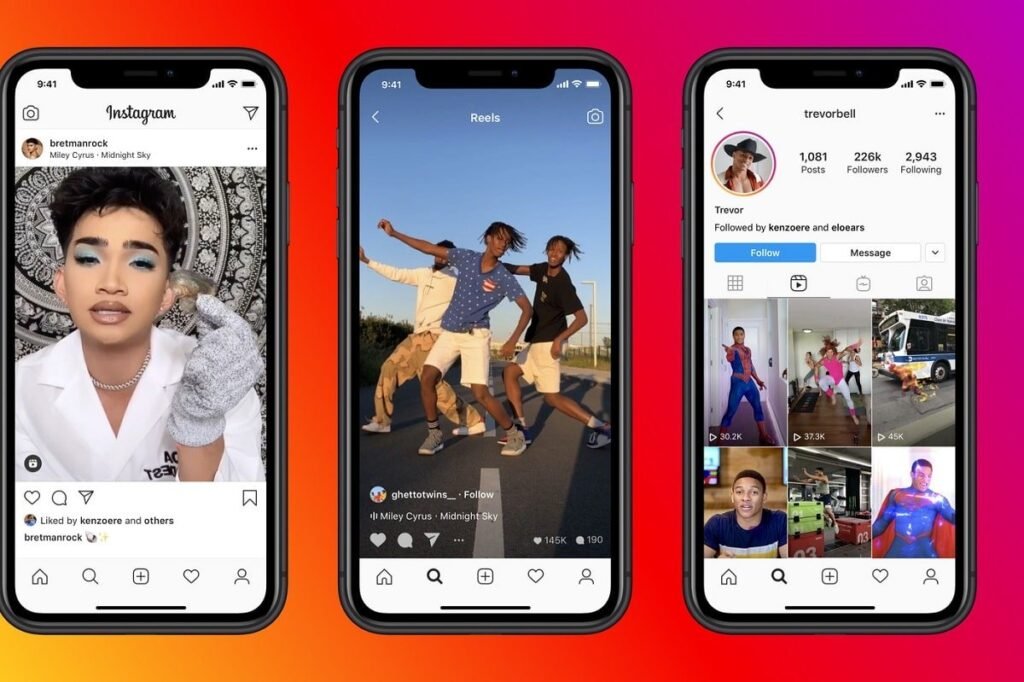
    Instagram guide

    Instagram Post Recover within 30 days

    Having said this, the deleted posts of Instagram are available only in the Recently Deleted section for 30 days. Users can recover deleted posts within 30 days. After this these posts get deleted forever. These deleted posts cannot be recovered.

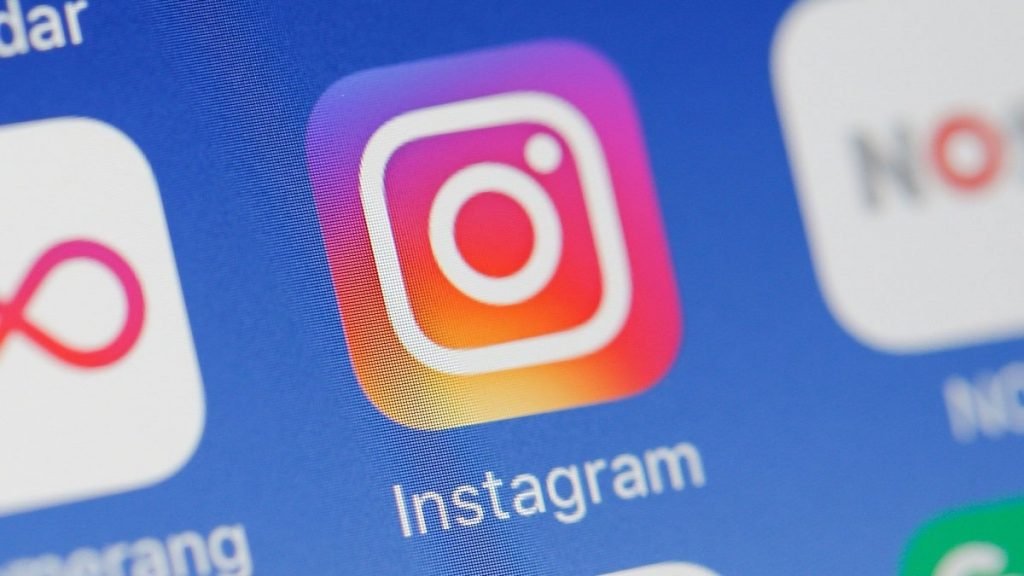
    If you want to recover Instagram posts, then open Instagram app to recover deleted posts. After that now go to your profile. Here you will see the option of three lines in the right side corner, click on it. You will find the Recently Deleted option here. If this option is not available, then you can search it by going to the search box. Here you will see the posts which have been deleted.
    Instagram guide

    After this, now from here select the post which you want to recover. After this, while recovering, an OTP will come on your phone number. Enter it, as soon as you do this your deleted post will be recovered.

    Parental Control in Instagram

    The new parental controls are part of Meta’s promise to protect children using its social media apps, after a whistleblower leaked internal documents that showed the company was aware that Instagram caused body image problems for some teenage girls.
    Instagram guide

    The uproar resulting from the leaked documents led to Adam Mosseri, head of Instagram, testifying before Congress in December, where he was grilled about children’s safety online. The Instagram supervision tools will be available in the United States beginning Wednesday and will roll out globally over the coming months, Meta said. Parents will be able to view what accounts their children follow and can set time limits for how long their kids spend on the app.

    Follow TelecomByte for the latest Tech News, also keep up with us on Twitter, and Facebook.

    Instagram Instagram Guide
    Share. Facebook Twitter LinkedIn Email WhatsApp Copy Link
    Lingraj Sahu
    • Website
    • Facebook
    • Instagram
    • LinkedIn

    Lingraj is one of the youngest members of TelecomByte, and a recent tech geek convert. When he's not churning out articles, you’ll find him watching sports, exploring new places, and listening to music.

    You may also like

    Are AI Companies Stealing Our Data? Exploring the Ethics of Chatbots and Data Usage

    Are AI Companies Stealing Our Data? Exploring the Ethics of Chatbots and Data Usage

    16/January/2026

    Gmail Enters the Gemini Era: What’s New for Indian Users in 2026

    16/January/2026
    Reassessment of Vodafone Idea’s AGR Dues: What to Expect This Week

    Reassessment of Vodafone Idea’s AGR Dues: What to Expect This Week

    16/January/2026
    Leave A Reply Cancel Reply

    Recent Posts
    • Are AI Companies Stealing Our Data? Exploring the Ethics of Chatbots and Data Usage
    • Gmail Enters the Gemini Era: What’s New for Indian Users in 2026
    • Reassessment of Vodafone Idea’s AGR Dues: What to Expect This Week
    • Google Introduces Personal Intelligence with Gemini: Revolutionizing User Experience
    • iOS 26 Beta 4 Delivers Exciting Visual Upgrades & Features
    Don't Miss
    STV 1498

    STV 1498 Prepaid Plan Launched from BSNL Offering 91GB Data

    Lingraj Sahu31/May/2020

    BSNL has introduced a special tariff plan of STV 1498 and in this plan, users…

    Bharti Airtel Secures Top Spot in India’s Broadband Experience, Reveals Latest Report

    08/February/2024
    Galaxy A51

    Samsung Galaxy A51, Galaxy A71 Receives a Price cut in India: Check Price Update

    12/September/2020
    Poco M3

    Poco M3 India Launch on February 2, New Teaser Video Revealed

    28/January/2021
    Stay In Touch
    • Facebook
    • Twitter
    © 2022 - 2026 . Copyright TelecomByte.
    • About Us
    • Privacy Policy
    • Terms and conditions
    • Disclaimer
    • DMCA Policy
    • Acceptable Use Policy
    • Cookie Policy
    • Contact Us

    Type above and press Enter to search. Press Esc to cancel.