

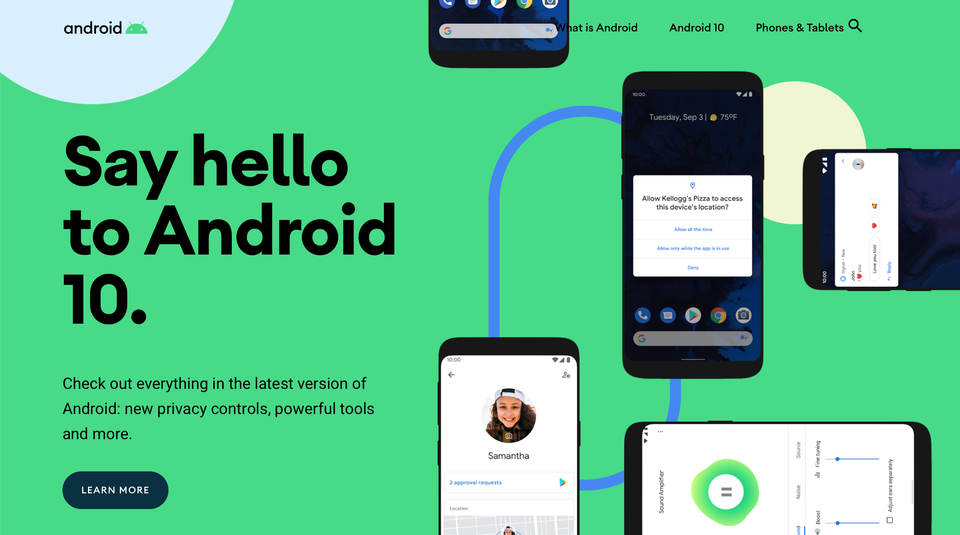
Android 10 is here! Google has officially introduced its next-generation mobile operating system – Android 10. The company will begin rolling out Android 10 update on to Pixel smartphones, which includes Pixel, Pixel XL, Pixel 2, Pixel 2 XL, Pixel 3, Pixel 3 XL, Pixel 3a and Pixel 3a XL, starting today and it will be available on smartphones by other smartphone manufacturers later this year.
Android 10 Highlights
Live Caption
Automatically caption media playing on your phone. With a single tap, Live Caption automatically captions videos, podcasts, and audio messages—even stuff you record yourself. Without ever needing wifi or cell phone data.
Smart Reply
Take action right as you reply. In Android 10, you get more than just suggested responses to your messages. You also get the recommended actions. So, if a friend asks you out to dinner, your phone will suggest you text “??”. Then, it’ll also pull up directions right in Google Maps. It even works in messaging apps like Signal.
Sound Amplifier
Hear what’s around you more clearly. With Sound Amplifier, your phone can boost sound, filter background noise, and fine-tune to how you hear best. Listening to podcasts, watching videos, or talking in a busy room — just plug in your headphones and hear everything more clearly.
Gesture Navigation
Get around with a swipe and a pull. Gestures are now quicker and more intuitive than ever. Go backward and forwards, pull up the home screen, and swipe up to see your open apps. All super smooth.
Dark theme
Take it easy on your eyes. And your battery.
Android’s new Dark theme uses true black to keep your battery alive longer. Plus, it also changes how your Google apps look, like Calendar and Photos.

The newest, game-changing devices.
Keep your data private with more controls.
With Android 10, you’re in control of your privacy. That’s because you get new, smarter controls that let you decide how and when data on your device is shared. So you can rest easy.
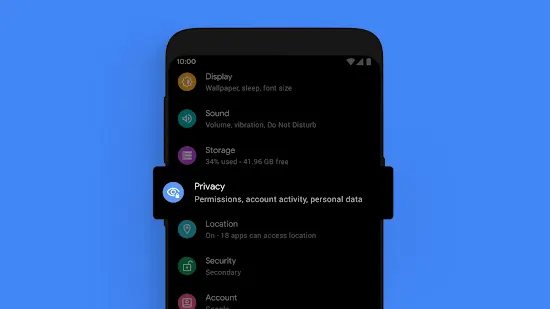

Find and adjust all your privacy settings in one place.
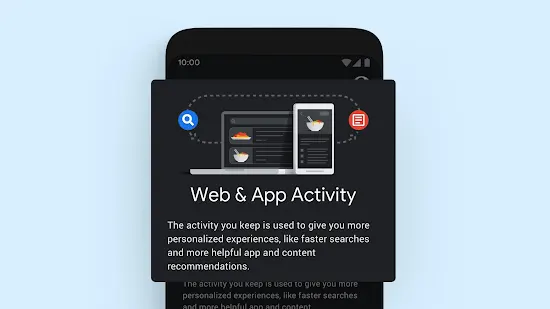
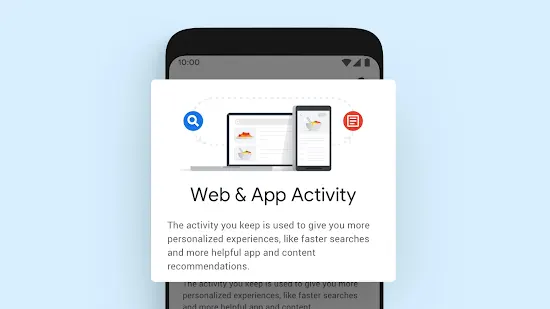
Decide what data is stored, like your Web & App Activity. And for how long.

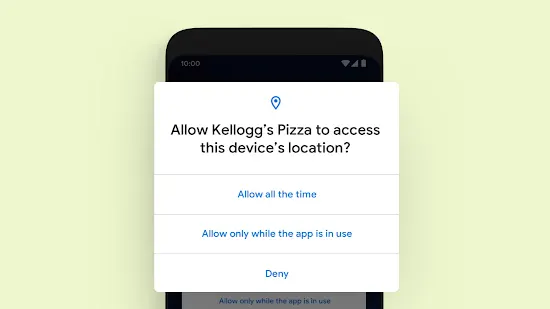
Control when your location is shared with apps: all the time, while in use, or never.
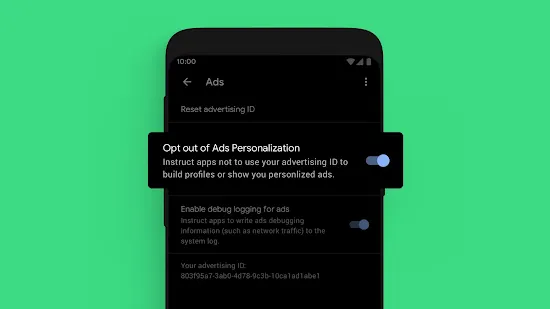
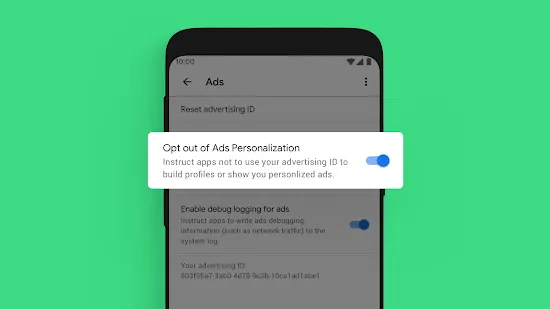
Opt-out of ad retargeting and personalization.
Get security updates faster.
Android devices already get regular security updates. And in Android 10, you’ll get them even faster and easier. With Google Play system updates, important Security and Privacy fixes can now be sent directly to your phone from Google Play, just the same way all your other apps update. So you get these fixes as soon as they are available.

Digital Wellbeing
Quality time. It’s different for everyone. For some, it’s unplugging on the weekends. For others, it’s spending hours video-chatting with your best friend. Android 10 gives you the tools to find that balance.
Focus mode
Focus on what’s in front of you. For getting in the zone and blocking out distractions. Focus mode is now in Beta and lets you select apps to pause temporarily. So if you want to turn off a distracting app to get something done, all you have to do is tap.
Family Link
Set digital ground rules and help make healthy habits. Help guide your kids as they learn, play, and explore online. You can set screen time limits, view app activity, manage apps and content restrictions, and see where they are.
Plus a whole lot more.
Android has new features across everything from your camera to your settings. There’s something for you.
Visit – https://www.android.com/android-10/ for more details.
